
Engagement tools for visual learners are defined as digital and physical resources that present information through images, diagrams, videos, and spatial organization so students can process and retain knowledge more effectively. Pairing verbal explanations with visual aids boosts student retention by up to 42%. That single finding from cognitive science makes the case for every educator to treat visual learning tools as a core part of lesson design, not an afterthought. The good news is that the right tools also save you time. AI-powered lesson planning tools can save educators over 5 hours weekly and reduce administrative burden by 60%, freeing you to focus on the students in front of you.
What are the top 10 engagement tools for visual learners?
The tools below are selected for K-12 classrooms based on practical usability, research support, and the types of visual content they produce. Each one addresses a specific gap in how visual students receive and process information.
1. AI visual summary generators
AI visual summary generators convert text or lesson notes into one-page visual summaries automatically. Automated visual generation can produce a one-page visual summary in 30 seconds versus 45 minutes manually. That time difference is significant across a full week of lesson prep. These tools work especially well for science and social studies units where dense content needs to be distilled into clear, scannable formats.

Pro Tip: Use the timeline or process layout modes in AI visual generators rather than the default layout. Specialized modes reduce prep time further and produce visuals that match common lesson structures.
2. Interactive whiteboards
Interactive whiteboards let educators display, annotate, and manipulate visual content in real time. Students can come to the board to sort, label, or connect ideas, which shifts them from passive viewers to active participants. This active construction of knowledge is directly linked to deeper understanding for visual learners. Most modern interactive whiteboards also support drag-and-drop activities and embedded video, making them one of the most flexible visual aids for educators.
3. Graphic design platforms
Graphic design platforms built for education give students and teachers access to templates for infographics, posters, timelines, and diagrams. Visual content generators with templates save 30–45 minutes of formatting per lesson by automating design tasks. When students use these platforms to create their own infographics, they move from passive consumption to active knowledge construction. That shift is one of the most reliable ways to deepen retention for visual learners.
4. Mind-mapping apps
Mind-mapping apps organize information spatially, which is exactly how visual learners process ideas best. Simple mind maps paired with photos can be as effective as expensive high-tech tools. That finding matters because it means you do not need a large budget to support visual learners well. Digital mind-mapping apps add the benefit of easy sharing and real-time collaboration, making them practical for both in-person and hybrid classrooms.
5. Animated and curriculum-aligned video resources
Animated, curriculum-aligned videos improve accessibility and engagement for primary visual learners by combining movement, color, and narration. The combination of motion and audio explanation activates dual coding, which produces the highest engagement gains. Short videos of three to five minutes work best. Longer videos risk passive viewing rather than active engagement.
6. Visual slide builders with video export
Visual slide builders designed for educators allow you to create structured visual presentations and export them as videos for flipped classroom use. Dedicated visual slide builders support asynchronous learning by giving students access to visual explanations outside of class time. This is particularly useful for hybrid learning models where not every student is in the room at the same time. Students can pause, rewind, and review visual content at their own pace.
7. Digital graphic organizers
Digital graphic organizers structure information using visual frameworks such as Venn diagrams, cause-and-effect charts, and story maps. These tools work across every subject area and grade level. They give visual learners a clear spatial structure to organize their thinking before writing or discussion. Teachers can assign pre-built organizers or let students build their own, depending on the lesson goal.
8. Classroom response systems with visual displays
Classroom response systems display student answers visually in real time using bar charts, word clouds, or heat maps. This immediate visual feedback shows students where the class stands on a concept without singling anyone out. For visual learners, seeing the distribution of answers is far more meaningful than hearing a verbal summary. These systems also give you fast formative data to adjust instruction on the spot. Pairing them with formative assessment techniques makes the feedback loop even tighter.
9. Infographic creation tools
Infographic creation tools let students summarize research, present data, or explain a process using visual layouts. When students create their own visual notes or infographics, they actively construct meaning rather than passively receive it. This active creation is one of the most effective visual learning strategies for moving students toward genuine understanding. The finished products also serve as study tools and can be shared with the class as peer teaching resources.
10. Paper-based visual tools
Paper-based visual tools, including hand-drawn mind maps, sketch notes, and color-coded note systems, remain highly effective for visual learners. Research confirms that low-tech visual tools can match the effectiveness of digital alternatives when used with intention. These tools require no devices, no internet connection, and no setup time. They are especially useful as backup options or for students who engage better with physical materials.
How to integrate visual tools into lesson plans effectively
The most effective integration strategy is dual coding: pair every visual with a verbal explanation that directly matches it. Dual coding is linked to the highest engagement gains among visual learners. The key word is “matching.” An unrelated image added for visual interest does not produce the same benefit as a diagram that directly illustrates the concept being explained.
Educators who use student engagement strategies built around visual tools report stronger participation when students create visuals rather than just view them. Assign students to build their own infographic, diagram, or mind map as a formative task. This shifts the cognitive work to the student and produces a product you can assess.
Pro Tip: Use AI-powered tools to generate a base visual template for each lesson, then have students annotate or modify it. You save prep time and students get the benefit of active construction.
Avoid overloading a single lesson with multiple visual formats. One well-designed diagram or infographic per concept is more effective than five competing visuals. Keep each visual tied directly to the lesson objective.
What are the common pitfalls when using visual learning tools?
The most common mistake is assuming that more visuals automatically produce better engagement. Visual overload distracts students and hinders learning rather than supporting it. Every image or chart must directly support the lesson objective.
Watch for these specific pitfalls:
- Passive viewing without active tasks. Showing a video or diagram without a follow-up task leaves students as spectators. Always pair visual content with a question, annotation, or creation task.
- Mismatched visuals. Adding decorative images that do not relate to the concept being taught reduces retention. Match every visual to its specific learning goal.
- Ignoring cognitive load. Complex diagrams with too many elements at once overwhelm students. Introduce visual information in stages.
- Skipping verbal explanation. Visuals alone are less effective than visuals paired with clear verbal explanation. Never present a diagram without narrating what it shows.
- Neglecting accessibility. Ensure color choices, font sizes, and image contrast work for all students, including those with visual processing differences.
Key takeaways
The most effective engagement tools for visual learners combine active creation, dual coding, and focused visuals tied directly to lesson objectives.
| Point | Details |
|---|---|
| Dual coding drives retention | Pairing verbal explanations with matching visuals boosts retention by up to 42%. |
| AI tools save significant time | Automated visual generators cut summary creation from 45 minutes to 30 seconds. |
| Active creation beats passive viewing | Students who build their own visuals retain information more deeply than those who only view them. |
| Low-tech tools remain effective | Paper-based mind maps and sketch notes match digital tools when used with clear purpose. |
| Visual overload hinders learning | Every visual must connect directly to the lesson objective to support rather than distract. |
What I have learned about visual tools after years in classrooms
The conversation about visual learning tools often splits into two camps: educators who believe every lesson needs the latest digital platform, and those who dismiss technology entirely in favor of traditional methods. Both positions miss the point.
The most effective classrooms I have observed use both. A hand-drawn mind map at the start of a unit builds spatial thinking. An AI-generated visual summary at the end consolidates learning in seconds. Neither replaces the other. The tool is always in service of the pedagogy, not the other way around.
What I find most encouraging about the current generation of AI tools is the time they return to educators. When you are not spending 45 minutes formatting a visual summary, you spend that time talking with students, asking questions, and noticing who is confused. That is where real teaching happens. The role of AI in education is not to replace educator judgment. It is to clear the administrative path so judgment can be applied where it matters most.
My honest advice is to pick two tools from this list, use them consistently for four weeks, and pay attention to which students respond. You will learn more from that experiment than from any professional development session that surveys every option without committing to any. Start simple. Build from what you observe.
— Brian Koster, Ed.D.
Professional development that supports visual learner engagement
Knowing which tools exist is only part of the work. Knowing how to use them within a well-designed lesson is what produces results for students.
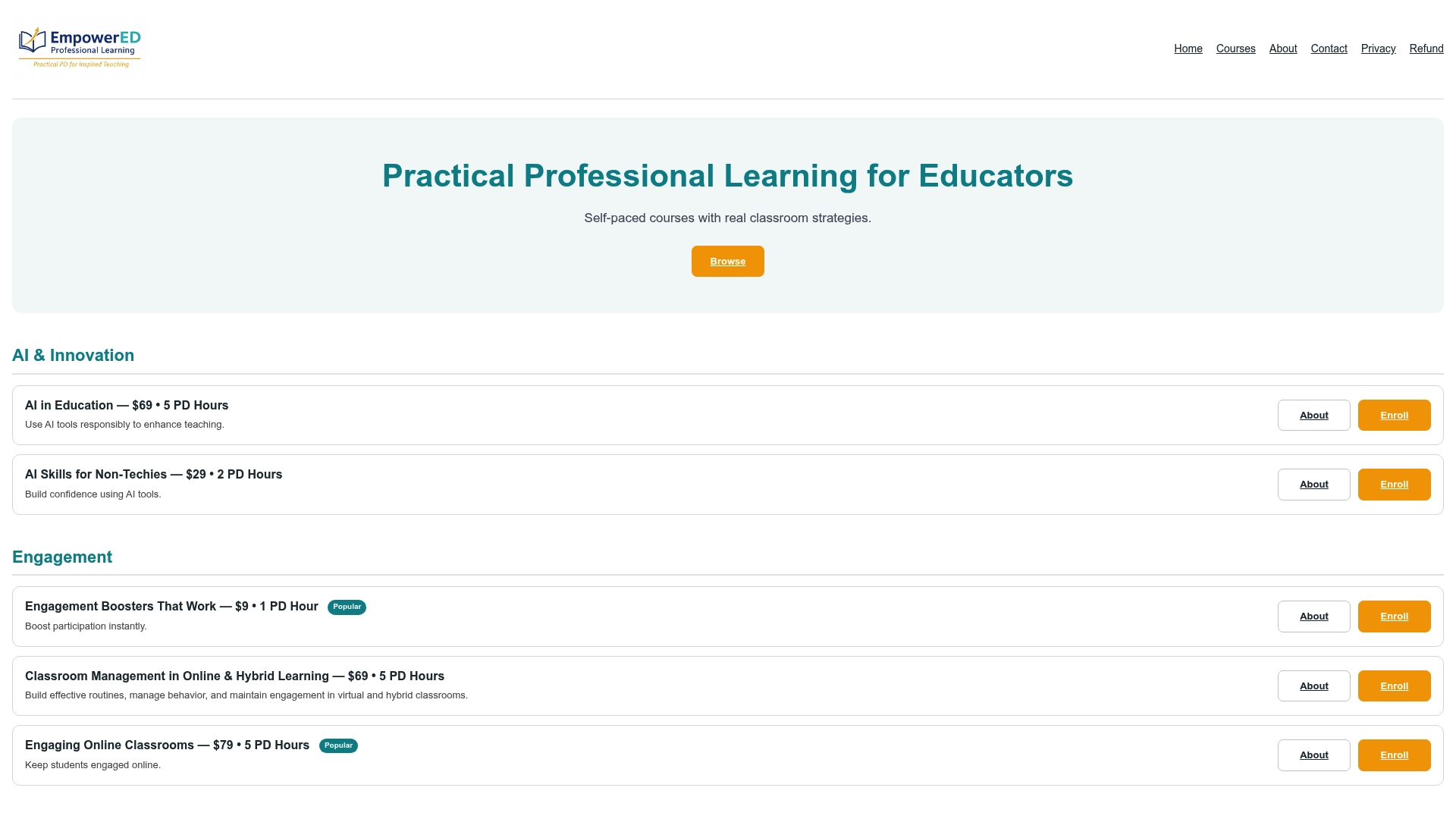
Empowered Professional Learning offers practical, educator-focused courses that show you exactly how to apply visual engagement strategies in your classroom. The Engagement Boosters That Work course is built specifically for K-12 educators who want research-backed techniques they can use the next day. Courses are concise, self-paced, and designed around real classroom challenges. Educators who complete the program report immediate improvements in student participation and confidence in their own teaching practice.
FAQ
What are engagement tools for visual learners?
Engagement tools for visual learners are resources that present information through images, diagrams, videos, and spatial layouts. They help students process and retain content more effectively than text alone.
How much do visual aids improve student retention?
Pairing verbal explanations with visual aids boosts student retention by up to 42%, according to cognitive science research on dual coding. The key is matching the visual directly to the concept being explained.
Are low-tech visual tools as effective as digital ones?
Research confirms that simple paper-based mind maps and sketch notes can be as effective as digital tools when used with clear purpose. The quality of the visual and its connection to the lesson objective matters more than the medium.
How can educators avoid visual overload in lessons?
Limit each concept to one well-designed visual and connect every image directly to the lesson objective. Unrelated or decorative visuals distract students rather than support learning.
How do visual tools fit into hybrid learning models?
Visual slide builders with video export allow educators to create visual explanations students can review asynchronously. This supports hybrid learning routines by giving visual learners access to content at their own pace, inside or outside the classroom.