Here are ready-to-copy ChatGPT classroom prompts, organized by task, that produce teacher-ready drafts once you supply grade level, objective, and time. This page also covers a short prompt-engineering method called CLEAR and the oversight checks you need before anything reaches students. Guided courses with instructor feedback are available for teachers who want structured practice.
TL;DR:
- Effective prompts should specify the grade, objective, output format, and include a clear task, otherwise ChatGPT’s guesses may be inaccurate or vague.
- Using a two-step process—drafting and then critiquing or revising—produces more precise and useful lesson plans, rubrics, and assessments.
- Differentiation works best when prompts ask for multiple tiers in one request, explicitly addressing support, on-level, and extension needs for varied learners.
- All AI-generated materials require a human review to verify factual accuracy, check bias, and ensure appropriateness before sharing with students.
- Role-based prompts and structured activities encourage higher engagement and deeper thinking compared to generic requests.
Table of Contents
- Quick Rules Before You Start
- A Prompt-Engineering Framework Built for Teachers
- Lesson Planning Prompts That Produce Usable Drafts
- Differentiation Prompts for Every Learner in the Room
- Assessment and Feedback Prompts That Hold Up to Scrutiny
- Classroom Management Prompts That Save Prep Time
- Student Engagement Prompts That Don’t Feel Gimmicky
- Communication Prompts for Parents and Students
- A Compact Library of Copy-and-Adapt Templates
- Who’s Behind These Prompts
- Adjusting Prompts as Students and Grade Levels Change
- Checking AI Drafts Before They Reach Students
- Building ChatGPT Into Your Daily Planning Routine
- Letting Students Use ChatGPT Without Losing the Lesson
- Where ChatGPT Prompts Break Down in Real Classrooms
- Ethics Beyond Privacy: Fairness, Voice, and Dependence
- A Teacher’s Honest Take on AI in the Classroom
- Ready for Guided Practice With Real Feedback?
- Sources
- FAQ
Quick Rules Before You Start
You don’t need a computer science background to write a good prompt. You need three things every time: the grade level, the learning objective, and the format you want back. Skip any of those, and ChatGPT will guess, often wrong.
- Always name the grade, the objective, and the output format (table, script, rubric, list) in the same prompt.
- Treat every output as a draft. Verify facts, adjust reading level, and strip any student names or identifying details before you share it.
- Run outputs through a bias check, especially for word problems, reading passages, or discussion prompts touching culture or history.
- If you want structured, feedback-based practice instead of trial and error, EmpowerED’s courses walk you through this with an instructor reviewing your work.
That fourth point matters more than it sounds. A prompt that works for you in isolation is different from one that holds up when a coach or colleague reviews it with you.
A Prompt-Engineering Framework Built for Teachers
Most prompt-engineering advice online is written for developers. Teachers need something faster. The CLEAR framework, developed for research and library instruction and adapted well to classroom use, breaks a prompt into five checks: Concise, Logical, Explicit, Adaptive, Reflective. UC Davis’s GenAI research guide lays out the same principle: specificity and iteration are what separate a usable draft from a generic one.
Here’s what each element looks like in practice:
- Concise: Cut the throat clearing. “Write a lesson” becomes “Write a 30-minute lesson.”
- Logical: Steps should build in order. Ask for objective, then activity, then assessment, not all three jumbled together.
- Explicit: Name the grade, standard, and time limit. Vague prompts get vague drafts.
- Adaptive: Tell it who the students are. “Includes two English language learners at intermediate proficiency” changes the output.
- Reflective: Ask the model to check its own work against your criteria before you accept it.
Layering in a role, an audience, and a format sharpens results further. Try: “Act as an instructional coach reviewing this 7th grade lesson plan for a mixed-ability classroom. Output as a two-column table: teacher moves and student actions.”
The strongest workflow is a two-step loop, not a single request. First, ask for a lesson draft. Then paste it back and ask: “Critique this draft against these success criteria: [list them]. Identify gaps, then revise.” That second pass consistently produces sharper work than a one-shot prompt.
Pro Tip: When building rubrics, tell ChatGPT to use observable evidence, like “student identifies three causes with textual support,” instead of vague quality words like “well organized” or “polished.” Models tend to reward polish over actual learning unless you box them in.
Lesson Planning Prompts That Produce Usable Drafts
A strong lesson-planning prompt reads almost like a work order: role, grade, objective, standard, time, materials, student context, constraints, and output format, all in one message. Leave one out and you’ll spend more time editing than if you’d written it yourself.
- Bell-ringer (15 minutes): “Act as a 5th-grade teacher. Write a 15 minute bell ringer on identifying theme in short text, aligned to CCSS.ELA-LITERACY.RL.5.2. Include one worked example and three practice items. Output as a student handout.”
- Full lesson (45 minutes): “Act as a high school biology teacher. Write a 45 minute lesson on cellular respiration for a class with two students who have IEPs requiring extended time. Include objective, warm-up, direct instruction, guided practice, and exit ticket. Output as a lesson plan table.”
- Two-day mini-unit: “Design a two-day mini-unit for 3rd grade on fractions on a number line, including one hands-on activity and one formative check each day. Note pacing adjustments for a 40-minute class period.”
For any of these, add a follow-up: “List three misconceptions students commonly have about this topic and suggest a teacher move for each.” That single line turns a generic plan into one that anticipates where the class will stall.
Differentiation Prompts for Every Learner in the Room
The fastest way to differentiate with ChatGPT is to ask for three tiers in a single prompt rather than three separate requests: support, on-level, and extension. That keeps the core objective identical across all three versions, which matters for grading consistency.
- Three-tier template: “Create three versions of this reading response activity: a support version with sentence starters and a word bank, an on-level version, and an extension version requiring textual evidence from two sources.”
- Language access prompt: “Rewrite these directions for a 4th grade multilingual learner at intermediate English proficiency. Separate the language demand from the content demand, and add visual cues where possible.”
- Executive-function support: “Break this assignment into a numbered checklist with time estimates for each step, plus a graphic organizer description for planning a five-paragraph essay.”
That second prompt matters more than it looks. Multilingual learners often lose points on content they understand because the language around it is too dense. Asking ChatGPT to separate the two demands explicitly, rather than just “simplifying,” produces a scaffold that protects the actual learning target.
If differentiation and accessibility planning is a recurring challenge for your team, EmpowerED’s course on Universal Design for Learning and accessibility builds this kind of tiered thinking into a full instructional framework.
Assessment and Feedback Prompts That Hold Up to Scrutiny
Rubrics are where AI drafts go wrong most often, because models default to rewarding “effort” or “clarity” instead of measurable evidence. Constrain the request and the output improves immediately.
- Four-level rubric: “Build a 4-level rubric (beginning, developing, proficient, advanced) for a persuasive essay, using observable evidence statements only, not general quality words. Base it on these success criteria: [list them].”
- Exit ticket with answer key: “Write a 3-question exit ticket on photosynthesis for 7th grade, with an answer key and one sentence explaining why each wrong answer choice is a common misconception.”
- Feedback stem bank: “Generate 10 feedback sentence starters following this pattern: one strength, one area to improve, one concrete next step. Keep language neutral and age-appropriate for 6th graders.”
The 5POP framework from San José State University’s IAEP Center frames accuracy and assessment as two of five pillars that should guide any AI-assisted evaluation, a useful check when you’re deciding how much weight to give an AI-generated rubric before it reaches a gradebook.
Classroom Management Prompts That Save Prep Time
Management prompts work best when you ask ChatGPT to translate your intent into something a student, or a substitute, can follow without you in the room.
- Student-facing directions: “Convert these lesson steps into numbered, student-facing instructions with a time estimate next to each step.”
- Substitute plan: “Write a substitute lesson plan for a 6th grade math class, including materials list, a basic emergency procedure reminder, and one extension activity for early finishers.”
- Seating strategy: “Suggest a seating arrangement strategy that balances behavior support with mixed-ability grouping for a 25 student classroom, and explain the reasoning behind the grouping.”
That third prompt is worth running periodically, not just once. Class dynamics shift after a few weeks, and a fresh set of grouping suggestions can surface a pairing you hadn’t considered.
Student Engagement Prompts That Don’t Feel Gimmicky
Role-based prompts change tone in ways that flat requests never do. Asking ChatGPT to write “as a museum curator” or “as a debate moderator” produces language your students haven’t heard from you fifty times already, and research on prompt-engineering taxonomies in education finds that role-based prompting tends to boost engagement over generic instructional phrasing.
- Role-based hook: “Act as a museum curator introducing an exhibit on ancient Egypt to 6th graders. Write a two-minute opening that raises three questions students will investigate.”
- Tiered discussion questions: “Generate discussion questions on this short story at three levels: recall, analysis, and evaluation. Include one pair-share prompt for each level.”
- Debate moderator scaffold: “Act as a debate moderator. Write opening and rebuttal prompts for a classroom debate on renewable energy policy, appropriate for 9th graders.”
You can also ask directly for student-facing exemplars: “Write one strong example response and one weak example response to this prompt, so students can compare them before starting their own.” Students learn as much from seeing a flawed answer dissected as they do from a perfect one.
Communication Prompts for Parents and Students
Parent-facing prompts should stay short, specific, and free of jargon. Ask for exactly what a busy parent needs: what the class is learning, how they can help, and what happens next.
- Parent update: “Write a short email to families explaining what we’re learning in this unit, two simple ways they can support it at home, and what’s coming next week. Keep it under 150 words.”
- Student directions: “Turn this assignment description into numbered, step-by-step directions with a checkbox for students to mark off each completed step.”
- Privacy reminder: Before sending anything drafted this way, strip student names, grades, or behavior details, and read the tone once more for warmth. A technically accurate email that reads cold undoes some of the goodwill you’re trying to build.
A Compact Library of Copy-and-Adapt Templates
Bookmark this set and swap in your own grade, objective, and time. Replace anything in brackets before you paste it in.
- “Act as a [grade] teacher. Write a [length] lesson on [objective], aligned to [standard]. Include warm-up, instruction, practice, and assessment. Output as a table.”
- “Create three tiered versions (support, on-level, extension) of this activity for [grade] students, including scaffolds for [specific need].”
- “Build a 4-level rubric using observable evidence for [assignment], based on these success criteria: [list].”
- “Write a 3-question exit ticket on [topic] with an answer key and misconception rationale.”
- “Write a parent email about [unit/topic], under 150 words, with two ways families can help.”
- “Generate tiered discussion questions on [text/topic] at recall, analysis, and evaluation levels.”
- “Write a substitute plan for [subject/grade] including materials, procedures, and an extension activity.”
- “Convert these directions into a numbered, student-facing checklist with time estimates.”
- “Act as [role: coach, curator, moderator] introducing [topic] to [grade] students.”
- “List three common misconceptions about [topic] and a teacher move for each.”
The workflow behind every template is the same: draft, then ask ChatGPT to critique its own draft against your stated success criteria, then request one revision. That extra step, backed by UC Davis’s guidance on iterative prompting, usually does more to improve quality than rewriting the original prompt from scratch.
Who’s Behind These Prompts
This guide is written by Brian Koster, Ed.D., drawing on classroom practice and current research on AI use in K-12 settings. Empowered Professional Learning backs these recommendations with three course offerings built for direct classroom application:
- AI in Education covers prompt engineering, ethical use, and classroom integration from the ground up.
- Engagement Boosters That Work applies AI-assisted activities to real student participation challenges.
- Universal Design for Learning (UDL) & Accessibility builds differentiation and accessibility planning into a full framework.
[Case studies demonstrating course impact will be added here.] [Testimonials from educators who completed these courses will be added here.]
Adjusting Prompts as Students and Grade Levels Change
A prompt that works for your 4th grade class in September won’t automatically work for your 4th grade class in April, and it definitely won’t work unchanged for a 9th grade class. Reading level, background knowledge, and attention span all shift the target, so the prompt has to shift with them.
Start by naming the grade band precisely rather than a vague age range. “Write for 4th graders” is weaker than “write for 4th graders reading at a mid-year benchmark level, with short sentences and one new vocabulary word introduced at a time.” The more specific the description, the closer the first draft lands to something usable.
Iteration matters more here than in almost any other use case. After you get a draft, ask ChatGPT directly: “Rewrite this at a lower reading level for a student two grades behind in reading” or “Add more challenge for a student ready for above-grade material.” You’re not starting over. You’re adjusting one variable at a time, the same way you’d adjust a lesson on the fly based on how the room is reacting.
For students with IEPs or 504 plans, name the actual accommodation rather than a general category. “Extended time” and “reduced choice count on multiple choice items” produce different outputs than a generic “for a student with an IEP” request, which tends to produce vague, unhelpful hedging. Specificity here isn’t just a prompting best practice. It’s what keeps the output legally and instructionally appropriate for that student’s actual plan.
Checking AI Drafts Before They Reach Students
Every AI output on this page needs a human pass before it goes anywhere near a classroom. This isn’t a formality. Johns Hopkins University’s guidance on ethical AI implementation is direct about it: AI must not replace educator judgment, and outputs need verification for accuracy, bias, and fit with district policy before students see them.
Read for factual accuracy first. ChatGPT can generate a confident, well-formatted answer that’s simply wrong, especially on dates, numbers, or niche content. If you’re not the subject-matter expert on a particular science or history topic, spend two minutes cross-checking anything that reads suspiciously precise.
Next, check for bias and framing. Word problems, reading passages, and discussion questions can carry assumptions about family structure, culture, or economic background that don’t fit your students. Read every passage as if you were the student who doesn’t share the assumed context.
Then check tone and reading level against your actual class, not the grade level printed in the prompt. A draft can be technically grade-appropriate and still miss your specific students by a wide margin.
This whole process lines up with what Washington state’s OSPI calls the Human-AI-Human model: a human starts the task with a clear question, AI produces a draft, and a human reflects on and verifies the result before acting on it. Skipping that final human step is where most classroom AI mistakes happen.

Building ChatGPT Into Your Daily Planning Routine
The teachers who get the most out of ChatGPT don’t treat it as a special event. They build it into the same planning block they already use, the way they’d use a shared drive of old lesson plans.
A workable routine looks like this: during weekly planning, draft the coming week’s lessons using your standard templates, one topic at a time. Run each through one critique pass. Then set the drafts aside and do your normal review, checking pacing against your actual calendar and adjusting for anything that came up in class that week.
Curriculum planning benefits from a slightly longer horizon. Instead of prompting lesson by lesson, ask ChatGPT to map a unit: “Outline a four-week unit on [topic] for [grade], noting which standards each week addresses and where formative checks should happen.” Then generate individual lessons against that map, one at a time, so the whole unit stays coherent instead of drifting.
Oregon Department of Education’s guidance on generative AI in K-12 classrooms-for-k-12-schools.aspx) warns specifically against over-relying on AI in ways that offload your own instructional thinking. The fix isn’t avoiding AI in planning. It’s keeping the map, the standards alignment, and the final pacing decisions in your hands, and treating ChatGPT’s output as material to shape rather than a plan to adopt wholesale.
Letting Students Use ChatGPT Without Losing the Lesson
Students can use ChatGPT productively, but only when the task is structured around a specific learning objective rather than open-ended chat. Unstructured access tends to produce copied answers. Structured access tends to produce better questions.
One effective approach: teach prompt-writing as its own skill. Research on classroom prompt-engineering taxonomies finds that students can learn to write and refine their own prompts, and that this skill transfers into asking sharper questions of their teachers, not just of the chatbot. Have students draft a prompt, evaluate the response against a rubric you provide, then revise the prompt, the same iterative loop you use yourself.
Keep the objective visible throughout. If the goal is analyzing a primary source, students shouldn’t be asking ChatGPT to summarize the source. They should be asking it to challenge their own interpretation, or to generate a counterargument they then have to rebut. That keeps the thinking with the student while still using the tool.
Set boundaries before the activity starts, not after. Tell students explicitly what counts as acceptable use for this specific assignment, since the answer will differ between a brainstorming task and a final essay.
Where ChatGPT Prompts Break Down in Real Classrooms
The most common failure isn’t a bad prompt. It’s a good prompt applied to a task where AI shouldn’t be doing the heavy lifting in the first place, like a first-draft creative writing assignment where the whole point is the student’s own struggle to generate ideas.
Another frequent problem is inconsistency across a team. Two teachers on the same grade-level team, using slightly different prompts, can produce lesson drafts with noticeably different rigor. If your school shares planning across a grade band, agree on a shared template so the outputs stay comparable.
Overreliance shows up quietly. A teacher who starts using ChatGPT for every rubric, every email, and every discussion question can lose the instinct for writing these things independently, the same way GPS use can erode a sense of direction over time. The fix isn’t abstaining. It’s rotating: draft some things yourself, draft others with AI assistance, and stay sharp on both.
Finally, technical friction is real. Outputs can run long, ignore a constraint you specified, or default to a format you didn’t ask for. When that happens, don’t start over. Add one corrective sentence: “This is too long, cut it to 200 words” or “You ignored the time constraint, this needs to fit in 30 minutes.” Models respond well to a direct, specific correction.
Ethics Beyond Privacy: Fairness, Voice, and Dependence
Privacy and safety get most of the attention in AI policy conversations, but a few other ethical questions deserve equal weight in day-to-day classroom decisions.
Equity of access matters more than it first appears. If some students have AI tools at home for homework help and others don’t, an assignment that assumes AI access, even implicitly, can widen an existing gap. Keep any AI-dependent task inside class time where access is equal.
Whose voice ends up in the final product is worth watching closely, too. When a student uses ChatGPT to generate ideas but writes the final piece themselves, that’s meaningfully different from submitting a lightly edited AI draft as original work. NEA’s statement on AI in education points to ongoing professional development as key to helping educators build the cultural competence needed to catch bias in AI-generated content, not just factual errors.
There’s also a fairness question in how AI use is graded. If one student discloses their AI use and gets penalized while another hides it and doesn’t, you’ve built an incentive to be less honest. Clear, upfront expectations about disclosure protect the students who are trying to follow the rules.
Finally, watch for the quiet erosion of productive struggle. The 5POP framework names this directly: a policy that optimizes for speed and polish can undercut the very struggle that produces deep learning. A faster draft isn’t automatically a better lesson if it skipped the thinking the assignment was designed to build.

A Teacher’s Honest Take on AI in the Classroom
Picture a Tuesday afternoon: you draft a discussion guide, hand it to your third period, and by fourth period you’ve cut two questions that fell flat and added one that clearly landed. That loop, prompt, student reaction, revision, is where AI earns its keep. It’s a drafting partner, not a decision-maker, and it only works inside your district’s policy and with your students’ privacy protected at every step.
— Brian Koster, Ed.D.
Ready for Guided Practice With Real Feedback?
Reading a list of prompts gets you started. Getting instructor feedback on how you’re actually using them is what makes the skill stick. Empowered Professional Learning’s AI in Education course walks you through prompt engineering, ethical classroom integration, and grade-specific adaptation with personalized instructor feedback, not just a video library you watch once and forget.
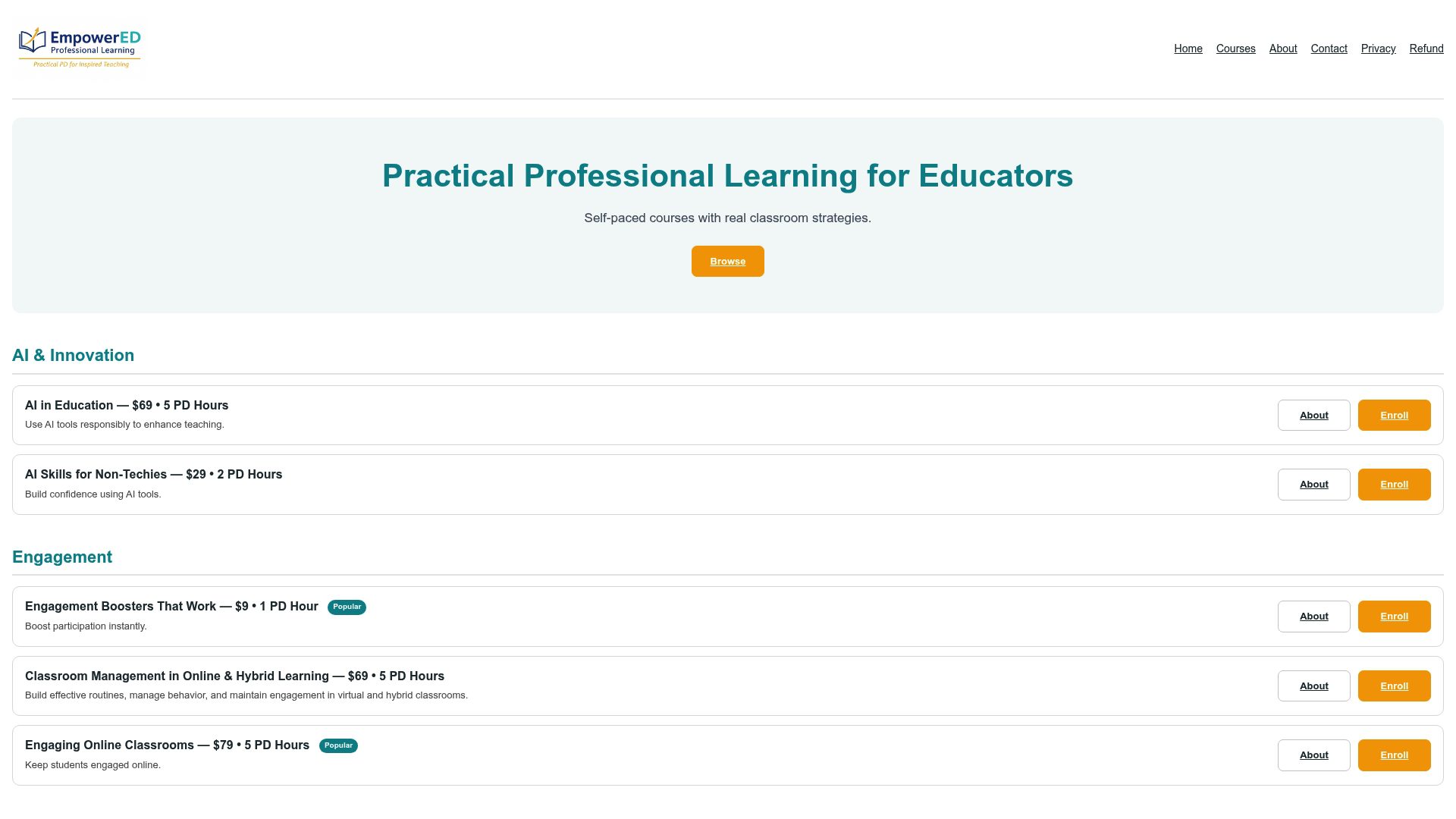
The course is self-paced, so you can work through it around your planning periods, and it’s built specifically for K-12 classroom use rather than generic corporate AI training. Many EmpowerED courses come with a certificate that may qualify for PD credit, worth checking with your district before you enroll. If differentiation is your bigger challenge right now, the Universal Design for Learning (UDL) & Accessibility course applies these same prompting skills to accessibility planning directly.
Ready to move past trial and error? Enroll in AI in Education and start building prompts with instructor feedback on your first drafts.
Sources
- Effective and ethical AI implementation: what educators need to know — Johns Hopkins University
- Human-centered artificial intelligence in schools — Washington OSPI
- Prompt engineering — UC Davis GenAI research guide
- The 5POP Framework — IAEP Center / SJSU
FAQ
What are some good ChatGPT prompts for teachers?
The strongest prompts name the grade level, objective, time available, and desired output format in one message, such as “Write a 30 minute 6th grade lesson on ratios, output as a table.” The templates in the prompt library above cover lesson planning, differentiation, assessment, and communication.
What are some good ChatGPT prompts for school work?
For assignments, ask ChatGPT to generate tiered discussion questions, feedback sentence starters, or exit tickets rather than finished answers, keeping the thinking with the student. Structured, objective-tied prompts consistently outperform open-ended requests for both teacher planning and student use.
What are some amazing ChatGPT prompts?
Role-based prompts tend to produce the most memorable results, such as asking ChatGPT to act as a museum curator, debate moderator, or instructional coach reviewing a lesson draft. Research on prompt-engineering taxonomies in education links this kind of role framing to stronger student engagement than flat instructional requests.
How can ChatGPT be used in the classroom?
ChatGPT works best as a drafting tool for lesson plans, rubrics, differentiation materials, and communications, always reviewed and edited by the teacher before use. The Human-AI-Human model frames this clearly: a teacher initiates the task, AI drafts it, and the teacher verifies and adapts the result before it reaches students.
Does Empowered Professional Learning offer training on this?
Yes. Empowered Professional Learning’s AI in Education course provides instructor-guided practice in prompt engineering and classroom integration, with personalized feedback on your work. Current pricing and enrollment details are available on the course page.