Adopt assignment-level permission levels paired with a short syllabus policy that requires transparent disclosure, sets a clear privacy floor, and gets reviewed annually. This approach gives students specific, task-by-task clarity instead of one vague campus-wide rule, and it holds up as tools change. Ready-made syllabus language and a one-page editable template follow below, so you can adapt rather than start from scratch.
TL;DR:
- Assign permission levels should be clearly attached to each task, with level 0 banning AI entirely and level 4 fully integrating AI into the assignment design.
- Policies must specify scope, permissions, privacy rules, and review cycles, and be modeled through live classroom practice to ensure student understanding and compliance.
- Never paste student records or sensitive information into public AI tools; verification should involve discussion and comparison to previous work rather than suspicion alone.
- Regular updates to AI policies are necessary, ideally annually, with input from educators, IT, and students, to remain aligned with evolving AI tools and practices.
- Use ready-made syllabus statements and templates to communicate AI permission levels consistently and transparently across assignments and grade levels.
Table of Contents
- What Belongs in an AI Classroom Policy?
- What Are the Five AI Permission Levels for Assignments?
- Ready-to-Use Syllabus Statements and Policy Templates
- How Do You Teach the Policy Instead of Just Posting It?
- What Should Never Go Into a Public AI Tool?
- How Often Should You Update Your AI Policy?
- Who Wrote This Guidance and Why It Matters
- A Teacher’s View on Trust and Transparency
- Get Guided Help Turning Your Policy Into Practice
- Where to Find More AI Policy Templates and Guidance
- Sources
What Belongs in an AI Classroom Policy?
A working AI classroom policy needs five parts, not fifty. Educators who try to write an exhaustive legal document usually abandon it by October. Keep it short enough that students actually read it.
Here is the minimum structure that holds up across grade levels and subjects:
- Preamble: One or two sentences on why the policy exists and what learning goals it protects, such as original thinking, writing fluency, or lab safety.
- Scope: Name which assignments, tools, and situations the policy covers, and where it does not apply (homework help apps versus graded essays, for instance).
- Permissions list: A plain breakdown of what is always allowed, what is prohibited, and what requires asking first.
- Privacy floor: A one-line rule on what students and teachers must never paste into a public AI tool.
- Review cadence and ownership: Who updates the policy, and when.
Stanford’s Teaching Commons breaks course-level AI policies into exactly this kind of modular list: tools, conditions, rationale, and process. That structure works because it separates the “why” from the “what,” so students understand the reasoning instead of just memorizing a rule.
What Are the Five AI Permission Levels for Assignments?
A single school-wide “AI allowed” or “AI banned” rule fails the moment a science lab and a poetry unit sit on the same schedule. A tiered permission model solves that by attaching a specific level to each assignment.
- Level 0, human only. No AI tool use at all. Example: a timed in-class essay or a foundational math quiz measuring unaided skill.
- Level 1, AI for planning only. Students may brainstorm or outline with AI but must write the final product themselves. Example: using AI to generate discussion questions before a Socratic seminar.
- Level 2, AI for feedback. Students draft independently, then use AI to check grammar, clarity, or logic, and must document the changes they accepted. Example: a research paper revision stage.
- Level 3, AI as a collaborator with disclosure. Students use AI throughout the process but must cite exactly where and how in a short note attached to the submission.
- Level 4, AI-integrated. The assignment is designed around AI use, such as evaluating or improving an AI-generated draft. Example: generating practice questions from course material and critiquing their accuracy.
Label the level right on the assignment sheet or in your LMS, using consistent wording every time. University guidance from UCLA supports this permitted/limited/forbidden framing because it forces transparency at the point of assignment, not after a suspected violation.
Pro Tip: Color-coding permission levels visually in your LMS helps students quickly recognize rules before reading details.
Ready-to-Use Syllabus Statements and Policy Templates
You do not need to draft AI classroom policy language from scratch. Below are short statements you can paste directly into a syllabus, plus a template for the full policy.
Syllabus sentence, option A (permissive with disclosure):
“You may use AI tools to support your learning in this course, but you must disclose any use in a brief note attached to your submission.”
Syllabus sentence, option B (restrictive default):
“AI tools are not permitted for graded work in this course unless an assignment specifically states otherwise.”
Syllabus sentence, option C (assignment-level):
“Each assignment will specify its AI permission level (0 through 4). Check the assignment sheet before starting.”
Student AI-use note, short format: “AI tool used: [name]. Purpose: [brainstorming/editing/etc.]. Sections affected: [describe].”
Student AI-use note, extended format: Add a sentence explaining what the student verified or changed after using the tool, since generative tools can produce inaccurate or biased output that needs a human check.
A one-page editable template should include: course name, policy level key, permitted/prohibited/ask-first lists, the privacy floor sentence, disclosure note format, and a review date field. Add subject-specific notes where they matter. A chemistry lab section might ban AI entirely during hands-on procedures, while a creative writing elective might restrict it only during in-class drafting. For younger grade bands, simplify the disclosure note to a checkbox instead of a written statement. Edutopia’s collection of teacher-built policies shows real classroom language you can borrow directly.

How Do You Teach the Policy Instead of Just Posting It?
A policy that lives only on a syllabus PDF gets ignored. Walk students through it the way you would any other classroom procedure.
- Model the levels live. Show students an AI output at Level 2 (feedback) and Level 4 (integrated) so they see the difference, not just read about it.
- Run scenario practice. Pose questions like: “Your AI tool wrote a full paragraph you didn’t ask for. What do you do?” Let students debate before you give the answer.
- Plan for unequal access. Some students lack home internet or a personal device. Build in supervised lab time or offer a non-AI alternative path for any Level 3 or 4 assignment.
- Verify work fairly. Ask for a rough draft, a version history, or a two-minute oral defense of a submission rather than relying on detection software, which is unreliable and can flag honest work.
Framing AI as a collaborative tool the class is learning to use together builds more buy-in than presenting the policy as a list of restrictions handed down from above.
What Should Never Go Into a Public AI Tool?
FERPA does not name AI tools specifically, but its core rule still applies: student education records need protection regardless of what software touches them. The simplest working guardrail is a privacy floor: never paste a student’s full name alongside grades, disciplinary notes, health information, or an ID number into a public AI chatbot.
Practical steps for checking suspected misuse without violating student trust:
- Ask the student to explain their process or reasoning aloud before assuming misconduct.
- Compare the submission against earlier drafts or writing samples for voice and skill consistency.
- Treat a first incident as a conversation and a chance to revise, not an automatic penalty.
- Escalate only after a pattern emerges, and document the conversation factually without speculation.
MIT Sloan’s guidance on teaching with AI points out that generative tools can hallucinate facts and reflect bias, which is exactly why verification steps matter more than accusation. For a deeper look at data rules specific to school AI pilots, see this FERPA and AI guidance for U.S. schools.
How Often Should You Update Your AI Policy?
Review your AI policy regularly, ideally annually or sooner if there are major changes, to ensure it stays current with evolving tools and practices.
- Set a fixed review date each year, ideally before the semester it takes effect.
- Involve a teacher representative, IT staff, an administrator, and student voice in the review, not just one department.
- Communicate any change through a short update note to students and families, not a buried syllabus revision.
Treating the document as living, not fixed, is a practice EthicalEdTech’s school policy template recommends explicitly, and it is the single habit that keeps a policy usable past its first semester.
Who Wrote This Guidance and Why It Matters
Brian Koster, Ed.D. brings a background in K-12 instructional strategy and educator professional development to this guidance, with a focus on turning emerging classroom technology into practical, usable policy language.
Short, focused professional development moves faster than a district-wide committee process, and it gets a working policy into teachers’ hands within weeks instead of a semester. Educators looking to go deeper can start with these resources:
- Generative AI in schools: what K-12 leaders need to know before writing a policy.
- ChatGPT for teachers: a secure workspace built for classroom use.
- AI for education: a practical guide for building instructional confidence.
A Teacher’s View on Trust and Transparency
Introducing AI policy collaboratively, such as involving students in writing disclosure formats, fosters greater buy-in and honesty through transparency and understanding. Start small. Pick one upcoming assignment and label its permission level before you hand it out.
— Brian Koster, Ed.D.
Get Guided Help Turning Your Policy Into Practice
Writing the policy is the easy half. Teaching it, enforcing it fairly, and updating it as tools change is where most educators get stuck without support. An AI in Education course can provide guidance through permission-level thinking and privacy safeguards, with direct classroom application to support educators in developing policies.
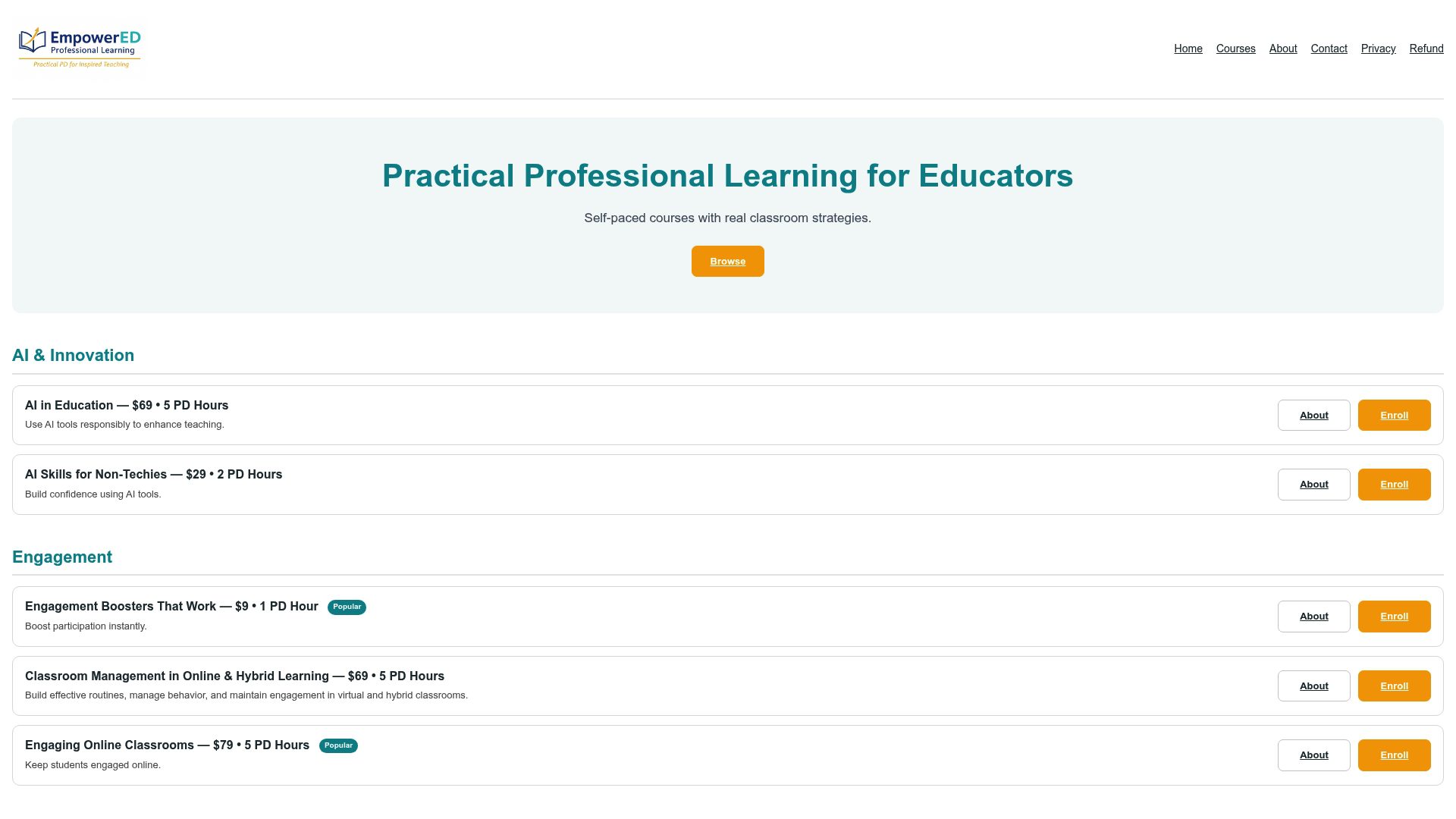
These types of courses often run self-paced with instructor guidance, designed to be completed in a few focused hours. Participants typically develop an AI classroom policy draft, disclosure templates, and receive feedback tailored to their subject and grade band. Start the AI in Education course today and walk into your next semester with a policy already built.
Where to Find More AI Policy Templates and Guidance

For deeper reading beyond this guide, Stanford Teaching Commons offers modular syllabus language, while UCLA’s Teaching & Learning guidance covers permission-level reasoning in more depth. Edutopia’s teacher-authored policy collection shows real classroom examples, and the TeachAI policy tracker catalogs state and institutional examples if you need to match a district mandate.
Sources
- 8 Classroom AI Policies Developed by Teachers — Edutopia
- Creating your course policy on AI — Stanford Teaching Commons
- Creating a Generative AI Policy for Your Course — UCLA Teaching & Learning
- Teaching with AI — MIT Sloan