Multiple means of action and expression is the CAST UDL principle that gives students varied ways to navigate tasks, show what they know, and manage their own learning process, organized into three areas: interaction, expression and communication, and executive functions. Offering these options matters because a single response format often measures a student’s comfort with that format rather than the actual skill you’re assessing. This guide gives you the framework, classroom-ready templates, and a rollout plan to put it into practice this term.
TL;DR:
- Offering multiple response formats helps assess actual skills rather than just students’ comfort with a specific medium, but all options must demand the same cognitive work.
- Adjustments such as speech-to-text, adapted keyboards, and low-tech tools reduce motor barriers without lowering the academic expectations.
- Students should be allowed to demonstrate learning through various media like diagrams, recordings, or physical models, with clear, format-neutral rubrics.
- Teaching and assessing executive functions, including planning and monitoring, through templates and checkpoints improves student self-regulation and project success.
- Implementing UDL effectively requires building consistent rubrics, piloting small changes, and gradually scaling to full courses, supported by targeted professional development.
Table of Contents
- What Is Multiple Means of Action and Expression?
- Reducing Motor Barriers: Action and Interaction Strategies
- Letting Students Choose How They Show Learning
- Teaching Planning and Self-Monitoring as Part of the Task
- Ready-to-Use Templates by Grade Band and Subject
- A 5-Step Rollout Plan for Busy Teachers
- Why an Ed.D. Perspective Matters Here
- How This UDL Principle Differs From the Other Two
- Common Obstacles and How to Work Around Them
- Measuring Progress Without Overcomplicating Grading
- Building Skills Through Professional Development
- What Actually Moves the Needle in Classrooms
- EmpowerED Courses Built for This Exact Work
- Where to Go Next for Deeper Reading
- Sources
What Is Multiple Means of Action and Expression?
The CAST UDL Guidelines 3.0 describe action and expression as the “how” of learning. It’s the UDL principle focused on the different ways students interact with materials, communicate understanding, and manage their own work, as distinct from why students engage or what content they access.
The framework breaks the principle into three organizing areas. Interaction covers how students physically respond to and navigate tasks, from typing and writing to using a switch device or voice commands. Expression and communication covers the media students use to show learning, whether that’s an essay, a podcast, a diagram, or a built model. Executive functions covers the planning, monitoring, and self-regulation skills that hold a project together from start to finish.
Teachers who want a checkpoint-level reference can anchor their planning to these specific guidelines:
- Checkpoint 4.1 and 4.2: Vary the methods for response and navigation; optimize access to assistive technologies.
- Checkpoints 5.1 through 5.3: Use multiple media for communication; use multiple tools for construction; build fluencies with graduated support.
- Checkpoints 6.1 through 6.4: Guide goal-setting, support planning, facilitate managing information, and enhance capacity for monitoring progress.
Every option you add has to demand the same thinking. A video explanation and a written paragraph should both require the student to analyze, organize, and justify. If one path lets a student skip that cognitive work, it’s not an equivalent option. It’s a shortcut.
Reducing Motor Barriers: Action and Interaction Strategies
Some students hit a wall before they even start thinking about content, because the tool they’re required to use gets in the way. A student who knows the material cold but struggles with handwriting or fine motor control needs a different point of entry, not a lower bar.
Start with these adjustments:
- Offer alternatives to typing and handwriting, such as speech-to-text software, single-switch devices, or adapted keyboards, so students can respond without a motor bottleneck.
- Adjust the physical environment, including flexible seating, adjustable lighting, and built-in movement breaks, which often solve access problems that look like disengagement.
- Bring in low-tech options first, like slant boards, pencil grips, or word banks, before assuming a student needs a high-tech device.
- Loop in specialists early, including occupational therapists and AAC support staff, when a student’s needs go beyond what classroom accommodations can fix.
The CAST guidelines on action and expression frame this as varying response methods and designing environments that reduce motor demands, not lowering expectations for the work itself.
Pro Tip: Redesign the task, not just the tool. If an assignment requires “write a paragraph,” rewrite the instructions to say “explain your reasoning,” which opens the door to speech-to-text or verbal response without you having to make exceptions later.
Letting Students Choose How They Show Learning
Once you’ve addressed physical access, the next question is media. A student who understands photosynthesis deeply might struggle to prove it in a five-paragraph essay but nail it in a labeled diagram with a recorded voice-over.
Reasonable options include:
- Written text, from short answers to full essays
- Audio recordings, including podcasts and voice memos
- Video, whether recorded, animated, or screen-captured
- Drawings, diagrams, and physical models or artifacts
- Presentation slides paired with live or recorded narration
Tools like Canva, Padlet, and similar accessible multimedia platforms let students build across text, image, audio, and video from one interface, which simplifies your collection and grading workflow considerably.
The catch is your rubric. Success criteria need to reference reasoning, evidence, and organization rather than format features like “essay length” or “video quality.” If a rubric can’t be applied to a podcast and a written report using the identical language, rewrite it before you offer the choice.
Teaching Planning and Self-Monitoring as Part of the Task
Giving students format choices without teaching them how to plan a multimodal project sets weaker planners up to fail. Executive function support turns the invisible work of planning into something you can teach and assess directly.
Build these into the assignment itself:
- Provide planning templates and checklists at the start of a project, then require a completed planning artifact before students move to production.
- Pair the project with a short goal-setting conference, where students name their target and identify one risk to their timeline.
- Use monitoring checkpoints mid-project, asking students to compare progress against their original plan and adjust.
- Fade the scaffolds gradually. Provide full templates early in the year, then move to partial templates, then require students to build their own planning structure.
Grade the process alongside the product. A rubric line for “planning and revision” signals that executive function is a real, gradable skill, not an informal courtesy.
Pro Tip: Keep one planning template that follows students across subjects and grade levels within your building. Familiarity with the structure frees up cognitive space for the actual content, which is the whole point.
Ready-to-Use Templates by Grade Band and Subject
You don’t need to build these from scratch. Adapt what’s already working in classrooms like yours.
- Elementary choice board: Offer three ways to show understanding of a story’s plot: a comic strip, a retelling recorded on a tablet, or a written summary. Same rubric line for all three: sequence, detail, and character motivation.
- Secondary ELA project scaffold: Students argue a thesis using an essay, a persuasive video, or a podcast script. Rubric criteria stay fixed on claim, evidence, and counterargument.
- Math quick-check menu: Students demonstrate a problem-solving strategy through a written explanation, a screen-recorded walkthrough, or a physical manipulative demonstration paired with a short verbal summary.
- Science lab report alternative: Replace the standard write-up with a choice between a lab notebook, a recorded data analysis, or an annotated diagram, all graded on hypothesis, data interpretation, and conclusion quality.
For multilingual learners, allow first-language drafts before final production. For neurodiverse learners, keep the choice menu stable across units so the format itself never becomes a new thing to learn.
A 5-Step Rollout Plan for Busy Teachers
You don’t need a full curriculum overhaul to start. Small, contained pilots build the muscle for bigger changes later.
This week, try a low-stakes choice menu on one assignment, or open a flexible submission window instead of a single due date and time.
- Pilot one assignment with two or three format options.
- Collect feedback from students on which options felt accessible and which felt like extra work.
- Iterate the options based on what you learned, dropping formats that added friction without adding access.
- Formalize the rubric so it applies identically across every format you’re keeping.
- Scale the approach to a full unit, then a full course, once the rubric holds up.
If you’re collecting audio or video submissions, check your district’s student media policy and get parent consent where required before storing or sharing that work.
Why an Ed.D. Perspective Matters Here
Brian Koster, Ed.D., brings a doctoral-level grounding in instructional design to how Empowered Professional Learning builds its UDL, AI in Education, and Engagement Boosters courses. Each course maps directly to the strategies above, translating framework into templates you can use the same week.
How This UDL Principle Differs From the Other Two
Action and expression is one of three UDL principles, and confusing it with the others leads to weaker implementation. Engagement is about the “why” of learning. It targets motivation, interest, and persistence through choice, relevance, and community. Representation is about the “what.” It covers how content gets presented, through text, images, audio, or manipulatives, so students can perceive and comprehend it.
Action and expression is the “how.” It governs the response side of learning: how students interact with a task and how they demonstrate what they’ve learned.
The distinction matters most in planning. A teacher who offers a video and a text version of a reading passage is addressing representation, giving students multiple ways to take in information. A teacher who then lets students respond to that same passage through an essay, a recorded discussion, or an annotated diagram is addressing action and expression, giving students multiple ways to show what they understood.
These principles overlap constantly in real lessons, and that’s fine. A well-designed unit usually touches all three. But when you’re troubleshooting why a specific student is struggling, separating the principles helps you diagnose the actual barrier. If a student can’t access the content at all, that’s representation. If a student understands the content but can’t demonstrate it in the required format, that’s action and expression. If a student understands and could demonstrate it but has disengaged entirely, that’s engagement. Treating all three as interchangeable leads to generic fixes that miss the real problem.
Common Obstacles and How to Work Around Them
Grading time is the barrier teachers name first, and it’s a legitimate one. Grading five different formats takes longer than grading twenty-five identical essays, at least initially. The fix isn’t to abandon choice. It’s to build a rubric so tight that format becomes almost irrelevant to your scoring process. A rubric built around evidence, reasoning, and organization lets you grade a video in roughly the same time as an essay once you’ve used it a few times.
Equity concerns come up next, usually framed as a worry that offering choice means offering a lower bar. The actual research points the other way. Providing options reduces barriers tied to a specific medium so the assessment measures the intended learning target rather than proficiency with that medium. A student who can’t write a five-paragraph essay under time pressure isn’t necessarily behind academically. They might just be facing a format mismatch.
Tech access is a real constraint in under-resourced schools, and it shapes which options are realistic. Start with low-tech and no-tech alternatives, like drawings, physical models, and verbal responses, before assuming every option requires a device.
Colleague and administrator skepticism often shows up as “this isn’t rigorous.” Reframe the conversation around cognitive demand. Show a rubric applied identically across two formats, and the rigor argument tends to settle itself.
Measuring Progress Without Overcomplicating Grading
Assessing multimodal work well starts with separating what you’re grading from how the student produced it. A single, format-neutral rubric, focused on evidence use, organization, and reasoning, should apply whether the submission is written, recorded, or built.

Practitioners recommend requiring the same rubric-level competencies across every format, with success criteria that name reasoning and organization rather than “essay” or “video” features. That single change does more to protect assessment validity than any specific tool choice.
Process-based assessment adds another layer. Grading a student’s planning artifact, draft revisions, and self-monitoring notes alongside the final product captures executive function growth that a finished product alone won’t show. A student who submits a rough but well-reasoned plan and iterates toward a strong final product is demonstrating skills a single snapshot grade would miss entirely.
Formative checks work well as low-stakes choice menus. Offer a quick exit ticket in three formats, written, verbal, or drawn, and use the results to spot which students are struggling with content versus which are struggling with a specific format. That distinction changes your next instructional move.
Keep a simple tracking method, even something as basic as a spreadsheet noting which format each student chose and their score, so you can spot patterns over a semester. If certain students consistently avoid one format, that’s worth a conversation, not an assumption.
Building Skills Through Professional Development
Reading about action and expression gets you the framework. Applying it consistently across a full course load takes practice, feedback, and time most teachers don’t have built into their schedules. That’s the gap professional development is meant to close.

Look for course-based PD that gives you templates and rubrics you can use immediately, not just theory. Courses structured around Universal Design for Learning, paired with practical application in AI tools and student engagement strategies, let you build a rubric, test it on real student work, and get feedback before you scale it across a full unit. State-level resources, like the Maine DOE’s presentation on elevating student expression through UDL, offer classroom-tested examples worth reviewing alongside any formal course.
District-level PD days tend to cover UDL at a survey level, which is useful for building shared vocabulary but rarely gives teachers enough time to build classroom-ready materials. Self-paced, instructor-guided courses fill that gap by letting you work through the executive function strategies and rubric design at your own pace, with feedback on the materials you actually plan to use.
Peer collaboration matters too. A rubric that survives a colleague’s stress-test, applied to a genuinely difficult piece of student work, holds up far better than one built in isolation.
What Actually Moves the Needle in Classrooms
The conventional advice on action and expression tends to stop at “offer choices,” as if variety alone solves the access problem. It doesn’t. I’d argue the rubric is the entire ballgame here. Teachers who offer five submission formats but grade them against five different informal standards aren’t practicing UDL. They’re practicing inconsistency dressed up as flexibility.
What the research actually supports is narrower and more demanding than the popular version of this principle: build one rubric, tied to reasoning and evidence, and stress-test it against the hardest format before you offer it to students. If you can’t apply your essay rubric to a podcast without translating half the language, the rubric isn’t ready yet.
The other place conventional advice falls short is executive function. Most teachers treat planning as a soft skill students either have or don’t. Treat it as gradable content instead. A planning template with a grade attached teaches the skill in a way a pep talk never will.
Start with the rubric, not the tool list. Everything else follows from there.
— Brian Koster, Ed.D.
EmpowerED Courses Built for This Exact Work
Empowered Professional Learning turns the strategies in this guide into ready-to-use classroom materials instead of leaving you to build rubrics and templates from scratch on your own time.
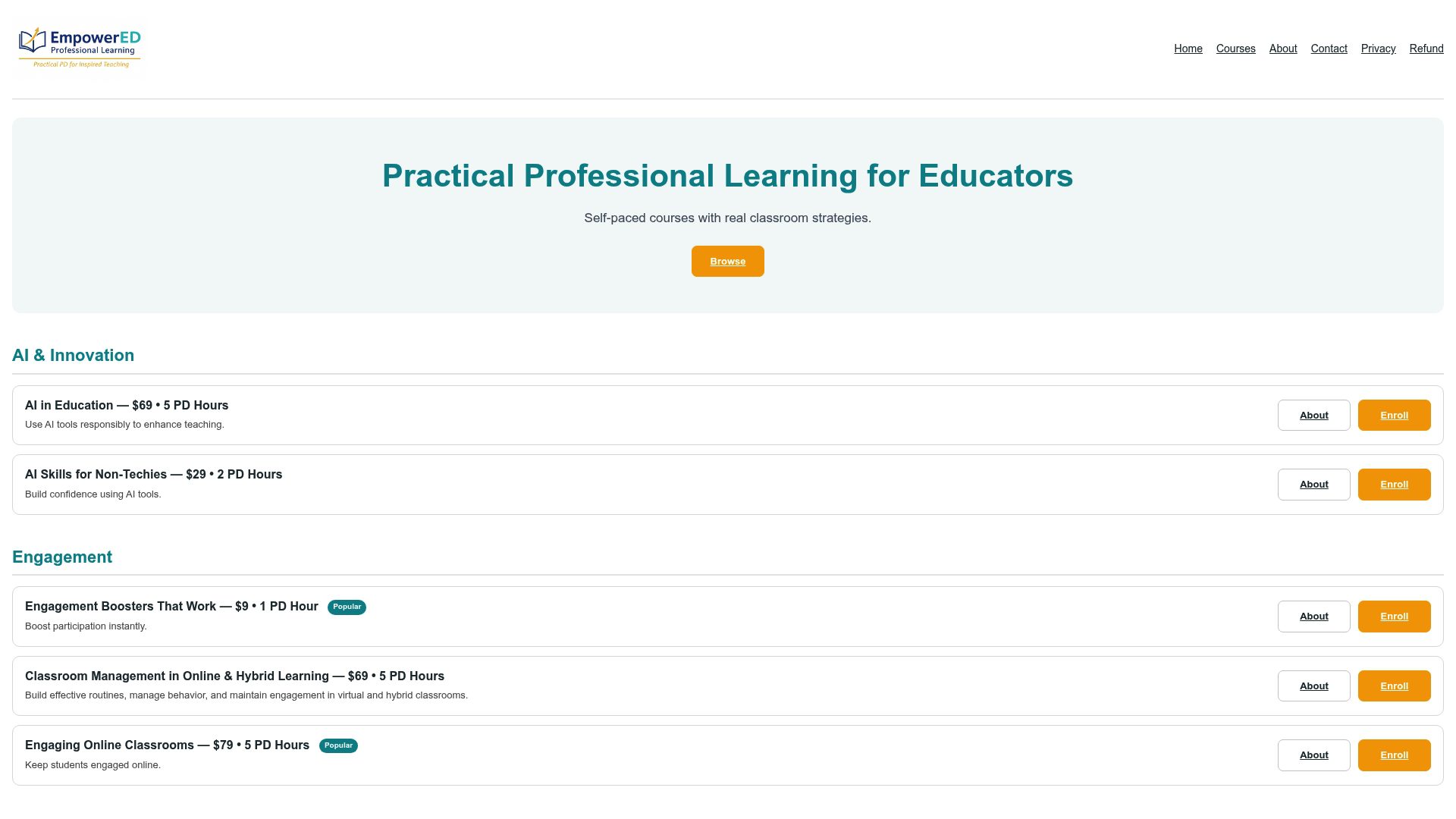
The Universal Design for Learning (UDL) & Accessibility course walks through checkpoint-level implementation, including the rubric design work covered above, with templates you can adapt the same week. AI in Education covers how AI tools can generate multimodal options and accessible formats without adding hours to your prep time. Engagement Boosters That Work gives you specific routines for the choice menus and formative checks described in this guide.
Every course includes downloadable templates, format-neutral rubrics, an implementation guide, and a PD certificate you can log toward your district’s requirements. If executive function scaffolding is your priority, the Executive Function: A Complete Guide for Educators resource pairs well with the UDL course. Enroll in the UDL & Accessibility course to get your first rubric built before your next unit starts.
Where to Go Next for Deeper Reading
- CAST UDL Guidelines 3.0: the full framework and checkpoint language behind every strategy in this guide.
- CUNY’s UDL Series Part III on Action and Expression: scaffolding templates and fading strategies for executive function support.
- Maine DOE’s presentation on elevating student expression: classroom-tested examples and language for avoiding format hierarchies.
- Common barriers to neurodiverse student success: practical fixes for motor and media-specific access barriers.
Sources
- Action & Expression – UDL Guidelines – CAST
- How to Provide Multiple Means of Action and Expression (UDL Series Part III) – CUNY
- Elevating Student Expression with UDL – Maine DOE presentation (2025)