ChatGPT for Teachers is a secure, education-grade ChatGPT workspace, free for verified K-12 educators, that speeds up lesson prep, supports differentiation, and gives administrators oversight tools so schools can use AI with real human supervision. Any teacher or staff member at an accredited K-12 school or district can qualify once their workspace is verified.
Three benefits stand out immediately. Prep time drops because you can draft a week of lesson materials in minutes instead of hours. Differentiation gets easier since you can generate the same content at three reading levels with one follow-up prompt. Collaboration improves because shared workspace templates mean your team stops rebuilding the same rubric five times.
On privacy, content shared inside the ChatGPT for Teachers workspace is not used to train OpenAI’s models by default, which is the detail most teachers ask about first.
- Free access for verified K-12 teachers and staff
- Admin controls with domain verification and role-based permissions
- Education-grade data handling, separate from consumer ChatGPT defaults
Your next move: try one low-stakes workflow, like drafting a formative quiz, before building it into your weekly routine.
Key Takeaways
ChatGPT for Teachers works best when verified educators pair its education-grade privacy protections with consistent human verification and pedagogy-first planning.
| Point | Details |
|---|---|
| Verify before you use | Check every AI-generated fact, name, or statistic before sharing it with students or families. |
| Protect student privacy | Anonymize names and strip identifying details before pasting student work into any prompt. |
| Set goals before prompts | Define the learning objective and evidence of success before deciding how AI can support it. |
| Co-create classroom norms | Build AI use agreements with students each semester to strengthen adherence and transparency. |
| Train with structured PD | Empowered Professional Learning’s AI in Education course builds these habits with personalized feedback and a PD certificate. |
Table of Contents
- What Can Teachers Actually Do With ChatGPT for Teachers?
- How Do You Get Started as a Verified K-12 Educator?
- Is Student Data Safe in ChatGPT for Teachers?
- Copy-Ready Prompts and Workflows for the Classroom
- How Should AI Fit Into Your Teaching Practice?
- Where Can Teachers Get Trained on AI Tools Like This?
- Why Pedagogy Has to Come Before the Prompt
- Ready to Build AI Skills That Actually Transfer to Your Classroom?
- Sources
What Can Teachers Actually Do With ChatGPT for Teachers?
The workspace is built around the same conversational interface most teachers have already tried, but wrapped in controls meant for a school environment. Administrators can verify a domain, manage who joins, and assign role-based access so a district’s rollout doesn’t depend on individual teachers signing up on their own.
Personalization is where it gets useful day to day. You can set your grade level, subject, and preferred tone once, then reuse that context across a semester of prompts instead of re-explaining your classroom every time. Templates you build for unit plans or parent emails can be saved and shared with a team, which cuts down on the copy-paste chaos most departments deal with.
Everyday uses fall into a few clear buckets:
- Lesson planning: draft objectives, activities, and pacing guides aligned to your standards
- Differentiation: rewrite the same passage at multiple reading levels for mixed-ability classes
- Formative checks: generate exit tickets, warm-ups, or quick comprehension questions
- Communications: draft parent emails, newsletter blurbs, or IEP progress notes for review
The limits matter as much as the features. Even inside a managed workspace, models can hallucinate facts and educators need to verify outputs before using them as anything more than a draft. Bias can creep into generated examples too, especially in word problems or reading passages that reference names, careers, or cultural references.
Pro Tip: Keep a running “verify before you use” habit: read every AI-generated fact, name, or statistic out loud before it goes in front of students. If you wouldn’t bet your grade book on it, don’t hand it to a class.
How Do You Get Started as a Verified K-12 Educator?
Getting access requires proof you work in K-12 education, not a district login you already have for other software.
- Confirm your school or district is accredited K-12 and that you’re currently employed there.
- Go to the official verification page and sign up using your work email address.
- Complete the identity check OpenAI requires for education-grade access.
- Choose whether to join your district’s existing workspace or set up your own if your district hasn’t rolled one out yet.
- If your school uses single sign-on, ask your IT team whether SSO is configured before you try to self-verify.
Most verification issues come down to using a personal email instead of a work one, or a district domain that hasn’t been claimed by an administrator yet. If verification stalls, check with your building’s technology coordinator first. They can usually see whether your domain is already registered with the workspace.
Pro Tip: Screenshot any error message you get during verification. It saves a round of back-and-forth when you loop in your IT department or district admin.
Is Student Data Safe in ChatGPT for Teachers?
Yes, with real caveats worth understanding rather than skipping past. The core protection is that teacher-shared content in the workspace isn’t used to train OpenAI’s models by default, which separates it from how the general consumer version of ChatGPT can handle data.

That doesn’t mean the workspace is invisible to your school. Administrators in managed workspaces typically retain oversight of activity, which is standard for any education software your district adopts, not a red flag specific to this tool.
FERPA compliance still depends on what you type in, not just what the platform promises. Even in education-grade tools, anonymization and data-minimization habits are the practical safeguard against exposing student identities, because a tool can be secure and still receive information it shouldn’t.
Build these habits into your routine:
- Replace real student names with placeholders like “Student A” before pasting work into a prompt
- Never include grades, disability status, or behavior records tied to an identifiable student
- Redact identifying details from IEP or 504 language before drafting communications
- Review every output before sharing it with families or colleagues
Our companion guide on generative AI governance for school leaders covers how administrators should structure oversight at the district level.
Copy-Ready Prompts and Workflows for the Classroom
You don’t need to write prompts from scratch every time. A few reusable templates cover most weekly needs.
Try these starting points:
- Lesson plan draft: “Create a 45-minute 7th grade lesson plan on photosynthesis aligned to NGSS, including a warm-up, guided practice, and an exit ticket.”
- Three-level differentiation: “Rewrite this paragraph at a 3rd grade, 6th grade, and 9th grade reading level while keeping the same core content.”
- Quick formative check: “Write five multiple-choice questions checking understanding of the water cycle for 5th graders.”
- Parent communication draft: “Draft a warm, brief email to a parent about their child’s improved participation this week.”
A simple workflow keeps quality high: draft with AI, verify facts and check for bias, adapt the language to fit your actual class, then tell students plainly that AI helped shape the material. That last step isn’t optional politeness. It models the same transparency you’re asking of them.
Students benefit from hands-on AI literacy too. Practical, classroom-ready activities like having students write and refine their own prompts, or fact-check an AI-generated paragraph against a real source, teach critical thinking better than a lecture on AI ethics ever could.
- Never use AI to assign final grades or scores on student work
- Never use AI tools for behavioral surveillance or monitoring student activity
- Always keep a teacher as the final decision-maker on anything that affects a student’s record
Pro Tip: Turn your own verification step into a lesson. Show students an AI-generated paragraph with a deliberate error and have them find it. It teaches skepticism faster than any warning label.
How Should AI Fit Into Your Teaching Practice?
Backward design keeps AI in its proper place: a support tool, not the starting point. Set your learning objective and how you’ll measure it first, then decide where AI can help you get there faster. Skipping that order is how AI quietly starts driving instruction instead of assisting it.
Classroom agreements matter more than most teachers expect. Co-creating rules for AI use with students makes them far more likely to follow those norms, because the rules feel like shared expectations instead of restrictions handed down from above.
AI literacy deserves direct instruction, not an assumption that students will absorb it. Teach students to spot hallucinated facts, question biased examples, and check AI claims against a real source, the same skills you’re already using yourself.
- Define the learning goal before opening any AI tool
- Build a short, co-created AI agreement with your class each semester
- Treat AI output as a first draft that needs a human editor, every time
- Keep a colleague or instructional coach in the loop when trying new AI workflows
The National Education Association’s guidance is blunt about the boundary: use AI to lighten your workload, never to replace your judgment on evaluation or student monitoring.
Pro Tip: Revisit your class AI agreement every quarter. What felt sufficient in September rarely covers what students actually try to do with the tool by January.
Where Can Teachers Get Trained on AI Tools Like This?
Reading about ChatGPT for Teachers gets you started. Practicing it with feedback is what actually builds confidence. A short, focused training block, something in the 2 to 4 hour range paired with hands-on prompts and vetting checklists, tends to move teachers from cautious to comfortable faster than a full-day workshop ever does.
Empowered Professional Learning’s AI in Education course was built around exactly that gap. It walks educators through practical prompt writing, bias checking, and classroom integration, with personalized feedback and a PD certificate at the end. For teams looking at data privacy and ethical use together, the data literacy course pairs well with it.
- Classroom-ready templates you can use the same week
- Personalized feedback from course instructors, not just automated grading
- PD certificates that count toward most district requirements
- Bulk licensing available for schools and districts training full teams
Courses are written by education researchers, including Brian Koster, Ed.D., whose editorial perspective closes out this guide below.
Why Pedagogy Has to Come Before the Prompt
The mistake I see most often isn’t teachers using AI poorly. It’s teachers treating the tool as a shortcut to skip the planning work that AI was supposed to support. Backward design isn’t a nice academic phrase here. It’s the difference between AI amplifying good teaching and AI quietly replacing the thinking that makes teaching good in the first place.

Conventional advice tends to stop at “verify the output,” and that’s true but incomplete. The bigger risk is verification fatigue. Once a teacher has checked twenty AI drafts in a row and found nothing wrong, the twenty-first check gets sloppy. That’s exactly when a fabricated statistic or a biased example slips into a handout. Build verification into your routine like a habit, not a judgment call you make fresh every time.
If you take one thing from this guide, prioritize the classroom AI agreement over the prompt library. Prompts you can find anywhere. Shared norms with your students are what actually determine whether AI use in your room stays safe, transparent, and genuinely useful.
— Brian Koster, Ed.D.
Ready to Build AI Skills That Actually Transfer to Your Classroom?
Empowered Professional Learning gives you something a free AI tutorial can’t: structured practice with feedback from real instructors, built specifically around what K-12 classrooms need. Instead of piecing together tips from scattered articles, you get a course sequence that takes you from cautious first prompts to classroom-ready routines, with a certificate to show for it.
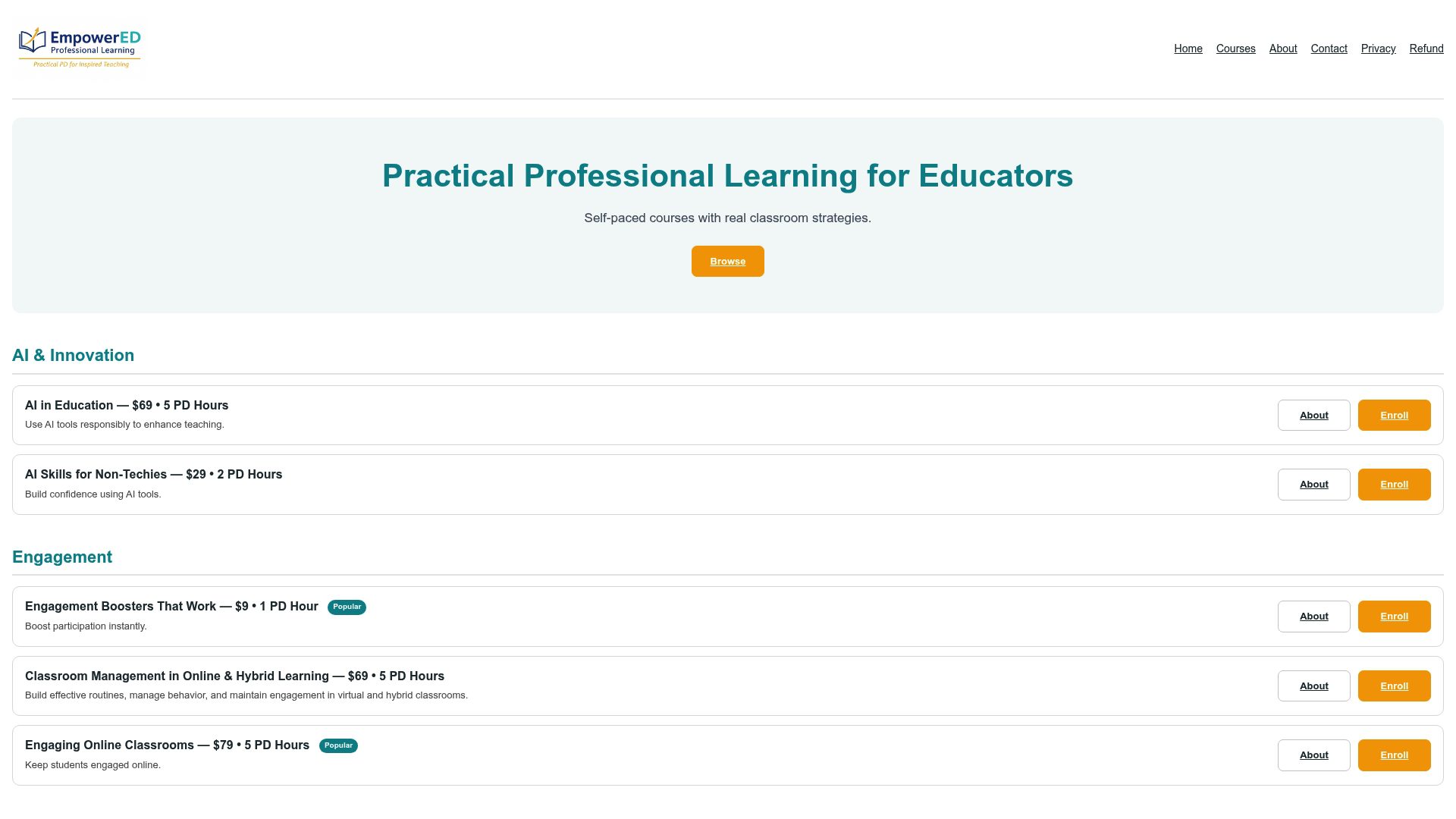
The AI in Education course covers everything this guide touched on, prompt writing, bias checking, privacy safeguards, and pedagogy-first integration, but with personalized feedback on your own classroom materials rather than generic examples. If you’re leading a department or a whole staff through this shift, bulk licensing means your whole team learns the same vetting habits instead of everyone improvising separately. Enroll individually or reach out about a team license to get your school started this semester.
Sources
- ChatGPT for Teachers
- AI Integration Tips for Teachers: A Free Guide – Educators Technology
- Dos and Don’ts of AI in the Classroom | NEA
- Guide to AI in Schools — Teaching Systems Lab, MIT
Recommended
- Best Webteaching.com Alternatives for K-12 Teachers – EmpowerED: Professional Development for Educators
- Top EdTechTeacher.org Alternatives for K-12 PD – EmpowerED: Professional Development for Educators
- Blog
- Professional Learning for Educators: Enhance Your Impact – EmpowerED: Professional Development for Educators