Multiple means of representation (MMR) is the Universal Design for Learning (UDL) practice of offering the same content in different, equivalent formats so every learner can access and make sense of the learning target. It’s the “what” of UDL, distinct from the “how” (action and expression) and the “why” (engagement). MMR works because no single format serves every learner equally well: a student with a hearing difference needs captions, a student decoding a new language needs visual support, and a student building schema for a new concept often needs both a diagram and a written explanation.
Two examples make this concrete right away:
- A captioned video paired with a full transcript gives students who are deaf, students still learning English, and students who simply focus better while reading three ways into the same content.
- A labeled diagram next to a written explanation of a science process lets a learner build the same mental model whether they process visually or verbally.
Key Takeaways
Multiple means of representation works when educators pick formats based on the learning objective and content demands, not assumed learning styles, and verify each format for genuine accessibility.
| Point | Details |
|---|---|
| Definition anchors everything | MMR means offering equivalent content formats so every learner can access the same learning target. |
| Skip the learning-styles trap | Choose formats based on the objective’s cognitive demand, not a student’s assumed preference. |
| Design for mirrors and windows | Representation should reflect students’ own identities and open windows into other experiences. |
| Verify before you trust automation | Run a human review cycle on captions and transcripts for high-stakes materials. |
| Get structured support | Empowered Professional Learning’s UDL & Accessibility course provides templates and instructor feedback for applying MMR directly to your classroom. |
Table of Contents
- What Is Multiple Means of Representation in UDL?
- What Design Choices Make Representation Actually Work?
- What Are Practical Classroom Strategies for MMR?
- How Do You Choose Technology That Delivers Real Accessibility?
- How Should You Plan and Evaluate Your Representations?
- How Does EmpowerED Professional Learning Support MMR Implementation?
- What Actually Moves the Needle on Representation?
- Get Guided Support for Building UDL Into Your Classroom
- Where to Learn More About Representation and UDL
- Sources
What Is Multiple Means of Representation in UDL?
Representation is one of three core UDL principles alongside action and expression, and engagement. Where engagement addresses motivation and expression addresses how students demonstrate learning, representation governs how content reaches the learner in the first place. The CAST UDL guidelines break representation into three checkpoints that matter for daily planning:
- Perception covers whether students can physically access the content. Adjustable font size, contrast, and volume fall here.
- Language and symbols covers whether the vocabulary, notation, or syntax itself creates a barrier separate from the concept.
- Comprehension covers whether students can build usable knowledge once they’ve perceived and decoded the material.
A common misread of MMR treats it as matching content to a student’s fixed “learning style,” a visual learner gets pictures, an auditory learner gets audio. That framework has never held up well under scrutiny, and it leads teachers to narrow options rather than expand them. The better rule: pick formats based on the learning objective and the content’s demands, and give most students access to more than one format regardless of their supposed preference.
What Design Choices Make Representation Actually Work?
Good representation design isn’t about adding more formats. It’s about making sure each format is genuinely usable and genuinely equivalent, not just present. Four considerations do most of the work:
- Perceptibility and adjustability. Can students change font size, contrast, playback speed, or volume without help? If not, the format exists but isn’t actually accessible.
- Equivalent alternatives. Captions, transcripts, tactile analogues, and sign-language interpretation should carry the same information as the original, not a simplified summary of it. Practical examples from ECU’s UDL modules include comprehensive syllabi offered in both print and electronic form, image and diagram alternatives, and captioned video paired with e-book options.
- Authentic diversity of perspective. Representation functions as both mirror and window: students need material that reflects their own identity and material that opens a window into experiences unlike their own. This isn’t a nice-to-have layered on top of accessibility. It’s part of what makes representation work for all learners, not only those with disabilities.
- Alignment with the learning objective. An alternative format has to preserve the actual cognitive demand of the task, not water it down.
Pro Tip: Before adding a new format, ask “does this carry the same information as the original, or does it quietly simplify the task?” If it’s the latter, it’s an accommodation for a different objective, not a true equivalent.
Cultural authenticity deserves the same rigor as font size and captioning. A diagram from a textbook published decades ago may be perceptible and technically equivalent, and still fail to reflect the classroom in front of you.
What Are Practical Classroom Strategies for MMR?
Most teachers don’t need a theory refresher. They need tactics they can use this week. Here’s a working list organized by effort level:
Same-day adaptations:
- Add captions to videos using your platform’s built-in tool, then post the transcript in your learning management system, inspired by classroom video assignment ideas teachers can use tomorrow.
- Narrate slides instead of leaving them text-only, giving students an audio path alongside the visual one.
- Provide sentence frames for written responses in any subject, not just English language arts.
Same-week builds:
- Build a basic graphic organizer (a simple two-column chart works) for any unit with sequential or comparative content.
- Pull manipulatives for math or science concepts that are currently taught through lecture alone.
- Hyperlink key vocabulary to short definitions or images rather than assuming prior exposure.
Subject area changes what “equivalent” looks like in practice. In math, the Concrete-Pictorial-Abstract approach sequences physical manipulatives, then visual models, then symbolic notation, so students build toward abstraction rather than starting there. In science, offering a model, a diagram, and a written explanation of the same process lets students triangulate understanding instead of relying on one entry point. In social studies, text-heavy units benefit enormously from pairing primary-source excerpts with visual timelines or annotated maps covering the same events.
None of this requires a redesign of your curriculum. A teacher who already has a strong text-based unit can add one graphic organizer and one audio option this week and call that a legitimate first pass at MMR. The IRIS Center’s UDL module makes a useful point here: pair formats to complement each other rather than duplicating the same information twice, which just adds workload without adding access.

How Do You Choose Technology That Delivers Real Accessibility?
Not all “accessible” tech actually delivers equivalent access, and this is where a lot of good intentions fall apart. Before adopting a digital text or document, check for tagged PDFs (so screen readers can navigate structure), semantic headings, and genuinely selectable text rather than scanned images pretending to be text.

For video and audio, captions and transcripts help far more than the students they were originally designed for. They also improve comprehension and searchability for the whole class, since students can scan a transcript to relocate a specific point faster than scrubbing through video.
Quick verification checklist:
- Can a student change font size and contrast without leaving the platform?
- Does the video have accurate captions, not just auto-generated ones nobody has checked?
- Is there a transcript, and does it match what’s actually said?
- Is sign-language interpretation available for high-stakes content where it matters?
Automated captioning and text-to-speech tools save enormous time, but they aren’t reliable enough to skip human review on anything high-stakes. A short review cycle for graded assessments or core instructional video catches errors that automated tools routinely miss, while lower-stakes daily materials can run on automated tools with a quick spot check.
How Should You Plan and Evaluate Your Representations?
A repeatable routine beats reinventing your approach every unit. Here’s a four-step version that keeps representation tied to what students actually need to learn:
- Start with the learning objective, stated plainly enough that you could explain it to a substitute teacher in one sentence.
- List candidate formats that could deliver that objective, then check each one for fidelity: does it preserve the reasoning or skill the objective requires, or does it quietly simplify the task?
- Score each option against a three-item rubric: accessibility (can every student perceive and use it), fidelity to the objective (does it preserve the cognitive demand), and cultural authenticity (does it function as a mirror or window rather than a token gesture).
- Watch for common pitfalls: overloading a lesson with too many formats at once, adding diversity for appearance rather than genuine cultural relevance, and confusing variety with actual instructional value.
Pro Tip: If you can’t explain in one sentence why a specific format is on your lesson plan, it’s probably there for variety’s sake rather than because students need it. Cut it.
One systems-level reality worth naming here: strict curriculum fidelity requirements can actually work against UDL, because teachers need real latitude to adapt representations without losing alignment to the learning goal. If your district’s pacing guide leaves zero room for a teacher to swap in a diagram or manipulative, that’s a policy problem as much as a classroom one.
How Does EmpowerED Professional Learning Support MMR Implementation?
Brian Koster, Ed.D., who guides course design at Empowered Professional Learning, built the organization’s UDL & Accessibility course around the same problem this article addresses: teachers know representation matters, but need ready-to-use structure to apply it without redesigning their whole curriculum.
The course gives participants:
- Planning templates that map directly to the rubric approach covered above (accessibility, fidelity, authenticity).
- Instructor feedback on real lesson adaptations, not just theoretical exercises.
- A PD certificate documenting completed hours for licensure or district requirements.
Participants consistently describe the course as immediately usable, the kind of professional development that changes Monday’s lesson plan, not just a slide deck they file away.
What Actually Moves the Needle on Representation?
Here’s what surprises most teachers once they start applying this seriously: the learning-styles myth wasn’t just harmless folklore. It actively narrowed how people thought about representation, training a generation of educators to pick one format per student rather than build in several formats for everyone. The shift to objective-driven modality selection is a genuine mindset change, not a rebranding.
The other underappreciated point is that curriculum fidelity policies, built with good intentions, sometimes fight against the flexibility UDL requires. Teachers who feel boxed in by pacing guides aren’t failing at UDL. They’re often working within a system that hasn’t caught up to what UDL asks of them.
Start small. Pick one unit, add one genuine alternative format, and ask a colleague to look at it with you before you scale it further. Collect quick student feedback on whether the new format actually helped, since that’s the only real test of whether representation is working.
— Brian Koster, Ed.D.
Get Guided Support for Building UDL Into Your Classroom
Reading about representation strategies is useful. Having a structured course that walks you through building them, with feedback on your actual materials, is what turns a good idea into a habit that survives a busy semester.
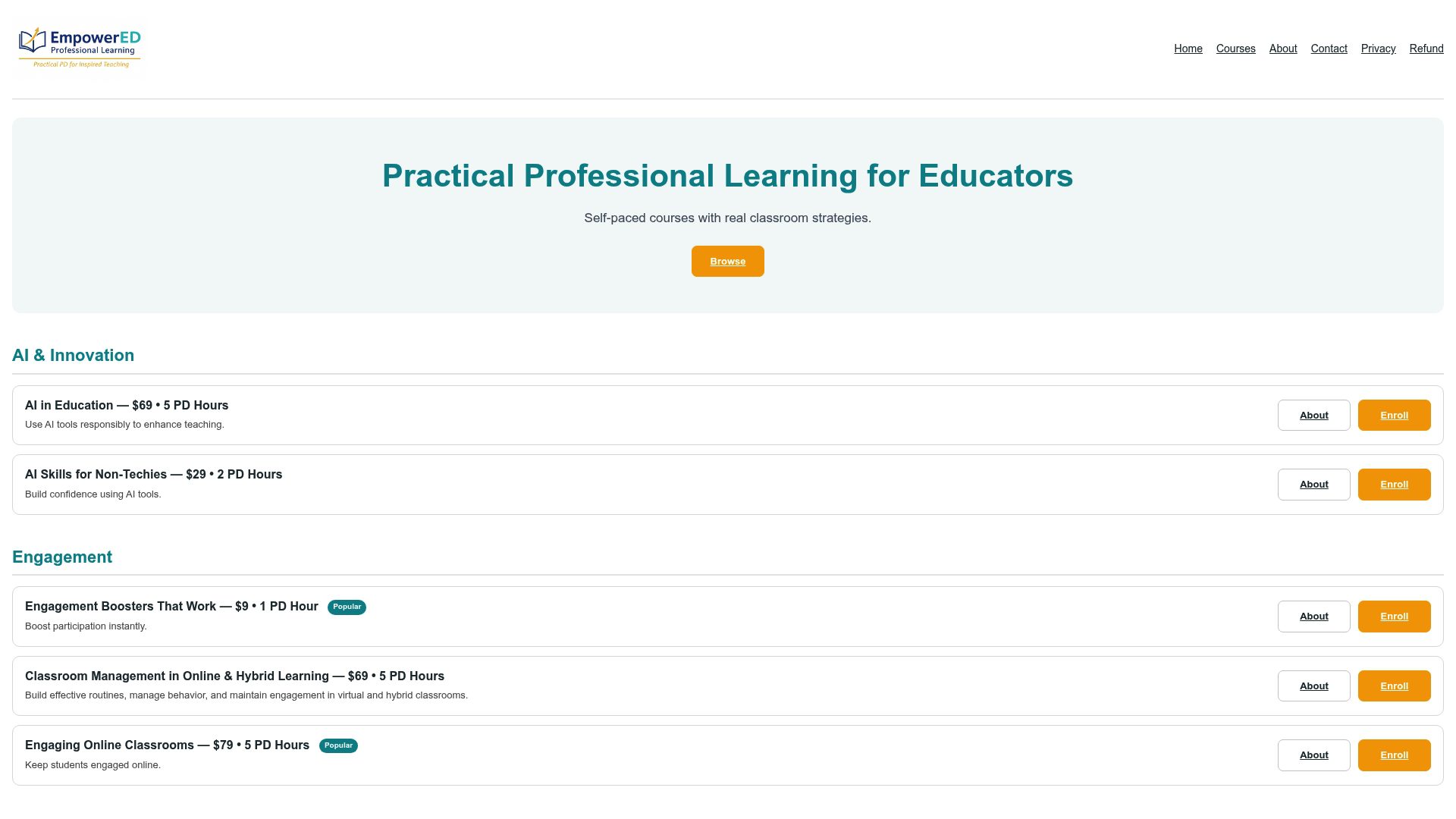
Empowered Professional Learning’s Universal Design for Learning (UDL) & Accessibility course gives you the templates, rubrics, and instructor feedback covered throughout this article in one self-paced format, built specifically for K-12 teachers who need something usable between now and next week’s lesson plan. Individual educators can enroll directly, and schools or districts can license the course across a full team, which makes staff-wide PD days far more consistent than one teacher attending a workshop and reporting back secondhand. If your team needs a faster entry point before committing to the full course, the UDL in one hour option covers the fundamentals in a single sitting. Enroll now to start building your first adapted unit with feedback from an instructor who has reviewed exactly this kind of work before.
Where to Learn More About Representation and UDL
- ECU UDL Modules: Multiple Means of Representation — practical examples of representation formats across subjects.
- IRIS Center, Page 3: UDL Principles — foundational module on the three UDL principles and implementation strategies.
- Relay LibGuides: Representation Strategy Database — resource on mirrors, windows, and authentic representation.
- U.S. Department of Education, OSEP — federal policy context supporting inclusive classroom practice.
Sources
Recommended
- Universal Design for Learning (UDL) & Accessibility – EmpowerED: Professional Development for Educators
- Universal Design for Learning (UDL) in 1 Hour – EmpowerED: Professional Development for Educators
- Universal Design for Learning: Designing Accessible and Inclusive Learning Experiences – EmpowerED: Professional Development for Educators
- Common Barriers to Neurodiverse Student Success (and Fixes) – EmpowerED: Professional Development for Educators