Project a live visual noise meter on your board and pair it with a two-level voice routine. That combination is the fastest, classroom-safe way to measure and reduce disruptive noise starting this class period. A 2025 meta-analysis of 21 studies found a moderate negative effect of noise on academic and cognitive performance (overall effect size ≈ −0.46), with children aged 6–12 showing the most consistent impact. Protecting instructional time starts with making volume visible.
Three things you can do right now:
- Open a free browser-based meter (Bouncy Balls, GoTimer, or lans.cloud), grant microphone access, and project it full-screen.
- Calibrate the sensitivity threshold during a quiet reading minute, then test it with a brief loud burst.
- Run a five-minute monitored independent work block and note how long the meter stays green.
Key Takeaways
Free, browser-based noise meters paired with age-differentiated routines give K–12 teachers an immediate, evidence-backed system for reducing disruptive noise and protecting instructional time.
| Point | Details |
|---|---|
| Start with a free meter | Bouncy Balls, GoTimer, and lans.cloud require only a browser and mic permission — no installation needed. |
| Research supports the investment | A 2025 meta-analysis found a moderate negative effect of noise on learning (effect size ≈ −0.46), strongest in children aged 6–12. |
| Calibrate before every session | Set green/amber/red thresholds to match the activity; run a one-minute clap test to confirm sensitivity. |
| Match tactics to grade level | K–2 needs visual/tactile signals; grades 6–12 respond better to session data and student-led goal-setting. |
| Empowered Professional Learning | Courses like Engagement Boosters That Work and UDL & Accessibility help teachers turn one-week pilots into lasting classroom routines. |
Table of Contents
- Which free noise meters work best for classroom noise management?
- How do you set up and calibrate a classroom noise meter?
- How to use a live meter to change student behavior
- Quick acoustic fixes you can make today
- What does research say about noise and learning?
- What actually makes meter-based noise management stick?
- Deepen your practice with targeted professional development
- Sources
Which free noise meters work best for classroom noise management?
Three browser-based tools cover most K–12 needs without cost or software installation.
Quick teacher recommendations:
- Best for elementary engagement: Bouncy Balls. The animated visuals hold K–5 attention and make volume feel playful rather than punitive.
- Best for a clean clinical meter (middle/high school): GoTimer. The sensitivity slider and minimal interface suit older students who respond to data over animation.
- Best for gamification and logging: lans.cloud. The streak clock and session summaries give you the data to run table-point competitions and show students a week of progress.
Phone and laptop microphones are not calibrated instruments, so all three tools display relative values rather than precise decibel readings. lans.cloud maps its 0–100 scale to standard dB reference points (whisper ≈ 30 dB, normal conversation ≈ 55–60 dB, shouting 80+ dB), which gives you practical thresholds without false precision.
How do you set up and calibrate a classroom noise meter?
Step-by-step setup
- Pick your device. A teacher laptop or dedicated classroom tablet works well. Avoid student devices for the projected meter.
- Position the microphone. Place the device near the center of the room, not against a wall. Walls reflect sound and inflate readings.
- Open the meter and go full-screen. Full-screen projection keeps the display visible from every seat.
- Grant microphone access. The browser will prompt you. Approve it for the session only; you can revoke it at any time in browser settings.
- Set sensitivity. Start at the default, then adjust during calibration.
Calibration checklist
- Ask students to read silently for 60 seconds. Note the meter reading. That is your green baseline.
- Have one student speak at a normal conversational volume. Confirm the meter moves into the amber zone.
- Clap once sharply near the device. The meter should spike briefly into red. If it does not, increase sensitivity.
- Set your green/amber/red thresholds to match the activity: independent work sits lower than small-group discussion.
Privacy and district policy checklist
- Confirm the tool processes amplitude only in-browser and does not record or transmit audio. Both GoTimer and lans.cloud document this explicitly.
- On district-managed Chromebooks, check with IT before granting mic permissions. Some districts whitelist specific sites; others require admin approval.
- Post a brief note in your classroom: “A noise meter is active. No audio is recorded.”
- Review your district’s acceptable-use policy for microphone-enabled browser tools before the first session.
Troubleshooting common issues
- No mic access: Check browser site permissions (address bar lock icon). On Chromebooks, IT may need to whitelist the URL.
- Phantom triggers from HVAC: Reduce sensitivity or reposition the device away from vents.
- Students gaming the meter: Shift from individual to group accountability. Table points work better than personal scores.
- Meter stays red during quiet work: The microphone may be too close to a noisy projector fan. Move it or lower sensitivity.
Pro Tip: Do a quick clap test one minute before class. If the meter spikes and returns to baseline within two seconds, your sensitivity is calibrated correctly for the room.
How to use a live meter to change student behavior
Three-day launch protocol
Introducing the meter as a novelty on day one and then ignoring it is the most common mistake. A short launch sequence builds lasting habits.
- Day 1: Explain what the meter measures and what each color means. Practice moving from red to green as a class. Keep it brief and low-stakes.
- Day 2: Run one monitored work block (10 minutes). Debrief: “We stayed green for seven minutes. What helped?”
- Day 3: Introduce the incentive structure (table points, streak clock, or green-time goal). Let students set the first goal themselves.
Age-differentiated tactics
K–2: Use large physical gestures alongside the meter. Hold up one finger for “whisper,” two for “partner voice,” and a flat palm for “silent.” The meter reinforces what they already see in your hands. Pair it with visual engagement tools that keep younger students anchored to a shared display.

Grades 3–5: Simple gamified goals work well. “Can we earn 12 green minutes during math centers?” Post the streak clock from lans.cloud where everyone can see it.
Grades 6–12: Older students respond to data and autonomy. Show them a week of session summaries and ask, “When do we spike most often?” Let them propose solutions. This connects directly to self-regulation strategies that transfer beyond the classroom.
Ready-to-use teacher scripts
- To quiet the room: “The meter is in the amber zone. Table 3, bring it back to green.”
- To reset after a spike: “Pause. Take a breath. We’re resetting to partner voice.”
- To praise: “Six straight green minutes during independent work. That’s the longest streak this week.”
Short, specific, and low-drama. The meter does the emotional work so you do not have to.
Session frequency and duration
Run monitored blocks daily for the first two weeks, then as needed. Five to fifteen minutes per block is enough to build the habit. Log one full week of baseline data (percent green time, number of red spikes) before making any changes to the room or routine. That data also gives you evidence to bring to administrators if you need acoustic support.
Quick acoustic fixes you can make today
Noise meters show you the problem. Acoustic changes reduce it at the source.
- Rugs or carpet squares under table clusters absorb impact noise and chair scraping, two of the most common spike triggers in elementary rooms.
- Tennis balls on chair legs cost almost nothing and cut the sharp scraping sound that spikes meters during transitions.
- Soft panels or acoustic tiles at first-reflection points (the wall directly opposite the teacher’s primary speaking position) reduce reverberation and improve how clearly students hear your voice.
- Heavy curtains or window coverings on exterior windows lower outside traffic noise, particularly in urban schools.
To test your room’s reverberation qualitatively, stand in the center, clap once sharply, and listen. If the echo lingers more than one second, the room likely has a reverberation problem that affects speech intelligibility. Simple acoustic interventions at first-reflection points address this without major construction.
When to escalate to facilities: Persistent hallway noise that bleeds through walls, HVAC hum that consistently triggers your meter at rest, or reverberation that makes it hard for students in the back rows to understand speech are all facility-level problems. Document them with a week of meter logs and bring that data to your administrator. Concrete evidence shortens the conversation considerably.
What does research say about noise and learning?
The evidence for investing in noise control is direct. A 2025 meta-analysis synthesizing 21 studies and 152 effect sizes found a moderate negative overall effect of noise on academic and cognitive performance (effect size ≈ −0.46, 95% CI: −0.54 to −0.38). Children aged 6–12 showed the most consistent negative impact across studies.
A Frontiers systematic review published in 2025 adds important developmental context. Younger students need concrete, experience-based signals to recognize and respond to acoustic conditions. Older students can use metacognitive strategies once they understand what the data means. The review recommends acoustic improvements, awareness programs, and age-appropriate interventions as a combined approach.
Practical implications for your classroom:
- Younger students need the meter to be visual and immediate. Abstract decibel numbers mean nothing to a second grader; a bouncing red ball does.
- Acoustic improvements and sound-field systems (a small classroom speaker amplifying the teacher’s voice) can reduce the negative effects of background noise, particularly for students with hearing differences or auditory processing challenges.
- Recommended background noise levels for learning environments are approximately 30 dB(A) or below during quiet work periods, a threshold most classrooms exceed without any intervention.
What actually makes meter-based noise management stick?
Most teachers who try a noise meter for a week and then abandon it made the same mistake: they used it as a reaction tool rather than a routine. The meter went up when things got loud, came down when they quieted, and students learned to game the moment rather than internalize the standard.
What works over a semester is integrating the meter into the lesson structure itself. It goes up at the start of a work block, the same way you post the learning objective. Students know what “green” means for this activity, not just in general. That specificity is what shifts the meter from a novelty to a shared norm.
The Frontiers systematic review supports this: younger students need repeated, concrete experiences to build acoustic awareness, while older students benefit from metacognitive reflection on their own noise patterns. Both require consistency, not occasional deployment.
Student leadership accelerates the shift. Assigning a weekly “noise captain” who monitors the meter and gives the reset cue takes the burden off the teacher and gives students genuine ownership. It also surfaces something worth knowing: students are often stricter with each other than you would be.
One candid note. Balancing structure and autonomy is harder than it sounds. A meter that runs every minute of every period can feel controlling to middle and high schoolers. Use it for defined blocks, debrief the data with students, and let them propose adjustments. That conversation is where the real classroom management skill-building happens.

Deepen your practice with targeted professional development
Noise meters and routines get you started. Sustained results come from understanding why the routines work and how to adapt them for every learner in the room.
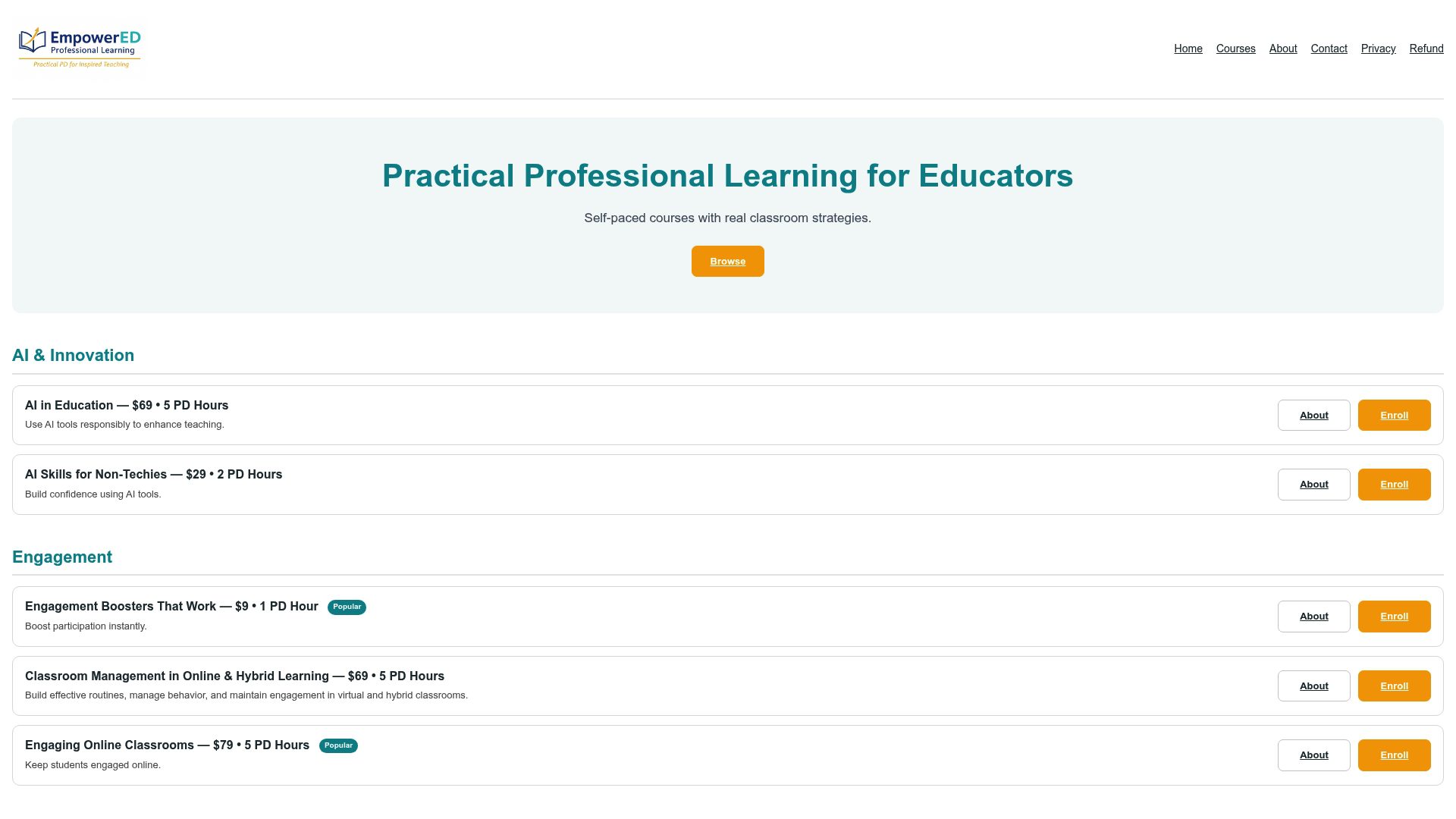
Empowered Professional Learning offers self-paced, instructor-guided courses built specifically for K–12 educators who want classroom-ready strategies, not generic PD. The Engagement Boosters That Work course gives you a toolkit of short, high-impact strategies that pair directly with meter-based pilots. The UDL & Accessibility course shows you how to adapt meter visualizations and voice-level routines for neurodiverse learners. Social-Emotional Learning & Teacher Wellness connects sustainable noise management to reduced teacher vocal strain and stronger student self-regulation. And AI in Education explores how data-informed tools are reshaping classroom practice. Each course includes a PD certificate and personalized feedback. Browse the full catalog at Empowered Professional Learning and enroll in a single module that fits your immediate need.
Sources
Free noise meters:
- Classroom Noise Meter — Free, Mic-Based, No Audio Recorded | GoTimer
- Frontiers systematic review on acoustic quality, perception, and wellbeing (2025)
- The Impact of Noise on Learning in Children and Adolescents: A Meta-Analysis
Key research:
Empowered Professional Learning resources:
Recommended
- 15 Classroom Management Techniques for K–12 Teachers – EmpowerED: Professional Development for Educators
- Classroom Energy Management for K-12 Educators: 2026 Guide – EmpowerED: Professional Development for Educators
- Why Classroom Routines Improve Learning for K-12 Educators
- Classroom Management in Online & Hybrid Learning – EmpowerED: Professional Development for Educators