Hybrid learning routines and procedures are defined as the structured systems educators use to manage simultaneous in-person and online instruction within a single class session. When these routines are designed well, they produce consistent learning outcomes for every student regardless of where they sit. Research confirms that hybrid courses combining synchronous and asynchronous activities show moderate-to-high positive impact across academic, behavioral, cognitive, and affective engagement dimensions. That result matters because it tells you this model works when the procedures behind it are solid. Tools like Google Classroom, Canvas, Kahoot, and Edpuzzle are the operational backbone of any effective blended classroom, and knowing how to sequence them is what separates a functioning hybrid class from a frustrating one.
What are the key components of hybrid learning routines and procedures?
Blended classroom procedures start with infrastructure before they start with instruction. Without reliable internet access and a device for every student, the most thoughtful lesson plan collapses before the first slide loads. Equity in access is not a bonus feature. It is the prerequisite.
Once access is confirmed, the technology stack needs to be simple and consistent. Educators who rotate between five different platforms create confusion for students and cognitive overload for themselves. The most effective hybrid teaching methods rely on a short, stable list of tools that students learn once and use repeatedly.
Here is a practical starting framework organized by function:
- Learning management system (LMS): Google Classroom or Canvas for posting assignments, agendas, and grades in one predictable location
- Video and content delivery: Edpuzzle for embedding comprehension checks directly into recorded lessons
- Formative assessment: Kahoot for synchronous quizzes and Formative for real-time written responses from both in-person and remote students
- Communication: Remind for family and student messaging; ClassDojo for younger grades to track participation and share updates
The table below shows how each tool category maps to a specific instructional need:
| Tool category | Primary function | Example tools |
|---|---|---|
| LMS | Centralized content and grade hub | Google Classroom, Canvas |
| Video instruction | Asynchronous content delivery | Edpuzzle |
| Live assessment | Real-time engagement checks | Kahoot, Formative |
| Communication | Student and family connection | Remind, ClassDojo |
Selecting tools with this level of intentionality reduces the friction that derails hybrid sessions. When students know exactly where to find the agenda and exactly which platform holds today’s activity, they spend their cognitive energy on learning rather than logistics.
How to structure daily hybrid learning routines for in-person and remote students
The most reliable daily structure for hybrid instruction follows a three-phase model: a shared launch, guided practice, and independent demonstration. This lesson flow allows synchronous and asynchronous participation pathways to converge on the same assessment evidence, which means you can evaluate all students fairly regardless of how they attended.
Here is how to build that structure into a repeatable daily routine:
-
Shared launch (10 minutes): Open every session with a live video call or in-room welcome that includes all students simultaneously. Post the day’s agenda in the LMS before class starts so remote students see it the moment they log in. Use a brief warm-up question in Kahoot or a shared Google Slides prompt to activate prior knowledge.
-
Direct instruction (no more than 20 minutes): Capping lecture segments at roughly 20 minutes and interleaving them with active learning checks improves attention for both groups. Record this segment so asynchronous students can access it on demand. Use screen sharing and a visible camera so remote learners see the same content as in-room students.
-
Guided practice (15 minutes): Assign a collaborative task that works in both modalities. In-person students can work in table groups while remote students collaborate in breakout rooms. The task itself should be identical. The output should be identical. This is the equivalency principle in action.
-
Independent demonstration (10 minutes): Students complete a brief exit ticket or formative check through Formative or Google Forms. Both groups submit digitally, which gives you one unified data set to review before the next session.
-
Asynchronous wrap-up: Post a short reflection prompt or extension activity in the LMS for students who need more time or missed the live session. This is where Edpuzzle earns its place. A recorded mini-lesson with embedded questions gives absent students a structured catch-up path rather than a blank page.
Pro Tip: Record every synchronous session and post it in the LMS within 24 hours. Students with connectivity issues, health absences, or IEP accommodations depend on that recording as their primary access point, not a backup.
The three-phase model works because it respects the reality of hybrid attendance. Some students will be in the room. Some will be live online. Some will be asynchronous. Designing lessons to work regardless of participation mode is the single most important design decision you make.

What are common challenges in hybrid teaching and how do you solve them?
Every educator who has run a hybrid class has hit the same wall: the in-room students get your full attention and the remote students feel like they are watching a show rather than participating in a class. That gap is not a technology problem. It is a procedure problem.
The most common challenges and their practical fixes include:
- Connectivity variability: Build a standing protocol for students who drop off mid-session. Post a “what to do if you disconnect” card in the LMS. Assign a peer note-taker for each session so absent students have a human summary, not just a recording.
- Student isolation in asynchronous work: Social accountability features like peer check-ins reduce isolation and improve course persistence. Assign asynchronous partners who message each other after completing independent tasks.
- Cognitive overload from inconsistent routines: Standardized weekly rhythms and predictable LMS locations reduce student anxiety. Post agendas every Monday in the same folder. Use the same lesson template every week so students stop asking “where do I find today’s work?”
- Attendance and makeup confusion: Create a clear written makeup policy and post it permanently in the LMS. Specify exactly which activities require synchronous attendance and which can be completed asynchronously without penalty.
“Governance and clear standard operating procedures are as critical as classroom practices in ensuring equitable hybrid education delivery.” — Virginia Department of Education
Backup plans matter as much as primary plans. Keep a simplified version of every lesson that works without video, without live interaction, and without any tool beyond a PDF and a Google Form. When technology fails, and it will, that backup is what keeps learning moving.
How can hybrid routines support diverse student needs and promote equity?
Equitable hybrid instruction is built on HyFlex-inspired design principles: learner choice, equivalency of outcomes, reusability of materials, accessibility, and equity across modalities. These are not aspirational values. They are operational decisions you make when you design each lesson.
Universal Design for Learning (UDL) maps directly onto hybrid formats. Offering multiple means of representation means posting both a recorded video and a written transcript of the same content. Offering multiple means of engagement means allowing students to demonstrate understanding through a written response, a recorded video, or a live discussion depending on their context.
The table below compares a standard hybrid approach with an equity-centered one:
| Design element | Standard approach | Equity-centered approach |
|---|---|---|
| Participation | Live attendance required | Multiple modalities accepted with equivalent assessment |
| Content access | Slides posted after class | Slides, captions, and recordings posted before or during class |
| Assessment | One submission format | Student choice of format with consistent rubric |
| Support services | In-person only | Remote access to counselors, tech help, and meal coordination |
Written policies and operational plans are critical for ensuring that remote learning days deliver instruction and services comparable to in-person days. That means coordinating meal access, tech support, and accommodation delivery for students who are home. A student with an IEP does not stop needing services because they are learning from a kitchen table.
Pro Tip: Build captions, audio descriptions, and screen reader compatibility into your standard lesson template from day one. Adding accessibility supports after the fact costs three times the effort and still leaves gaps.
Peer check-in structures also reduce isolation in asynchronous components. Assign each student a weekly accountability partner and give them a two-question check-in protocol: “Did you complete the task?” and “What was one thing you learned?” This takes two minutes and dramatically increases follow-through on independent work.
Key takeaways
Effective hybrid learning routines and procedures require consistent structure, equitable access, and predictable technology systems working together from the first day of implementation.
| Point | Details |
|---|---|
| Start with access | Confirm device and internet equity before designing any lesson structure. |
| Use a stable tech stack | Limit tools to four categories: LMS, video delivery, live assessment, and communication. |
| Follow the three-phase model | Shared launch, guided practice, and independent demonstration produce consistent assessment evidence across modalities. |
| Cap direct instruction at 20 minutes | Interleave active learning checks to maintain engagement for both in-person and remote students. |
| Build equity into the design | Apply HyFlex and UDL principles from the start, including captions, flexible participation, and remote service coordination. |
What I have learned from watching hybrid routines succeed and fail
I have reviewed enough hybrid implementations to say this clearly: the teachers who struggle most are not the ones with the weakest technology skills. They are the ones who try to run two separate classes simultaneously. One for the room. One for the screen. That approach burns out even the most experienced educators within six weeks.
The teachers who thrive treat the hybrid class as one unified group that happens to be in two locations. Every procedure they build serves both groups at once. The agenda is posted digitally because that works for everyone, not just remote students. The exit ticket is submitted through a form because that works for everyone, not just the students on Zoom.
Blended learning implementation works best as a staged, iterative process built over roughly one semester. Start with one unit. Run it. Collect student feedback. Adjust one thing. Run it again. Teachers who try to perfect the entire system before launching it never launch it. Teachers who pilot one lesson and refine it build real confidence and real skill.
The other thing I would push back on is the assumption that more technology equals better hybrid instruction. It does not. A teacher with Google Classroom, one video tool, and a clear weekly routine outperforms a teacher juggling eight platforms every time. Simplicity is not a limitation. It is a design principle.
Professional development specific to hybrid instruction matters more than most administrators acknowledge. Generic PD sessions on “technology in the classroom” do not prepare teachers for the logistical and pedagogical complexity of managing simultaneous modalities. Teachers need practice with the actual procedures, not just exposure to the tools.
— Brian
Build your hybrid teaching skills with Empoweredpl
Knowing the framework is the starting point. Practicing it with expert guidance is what makes it stick.
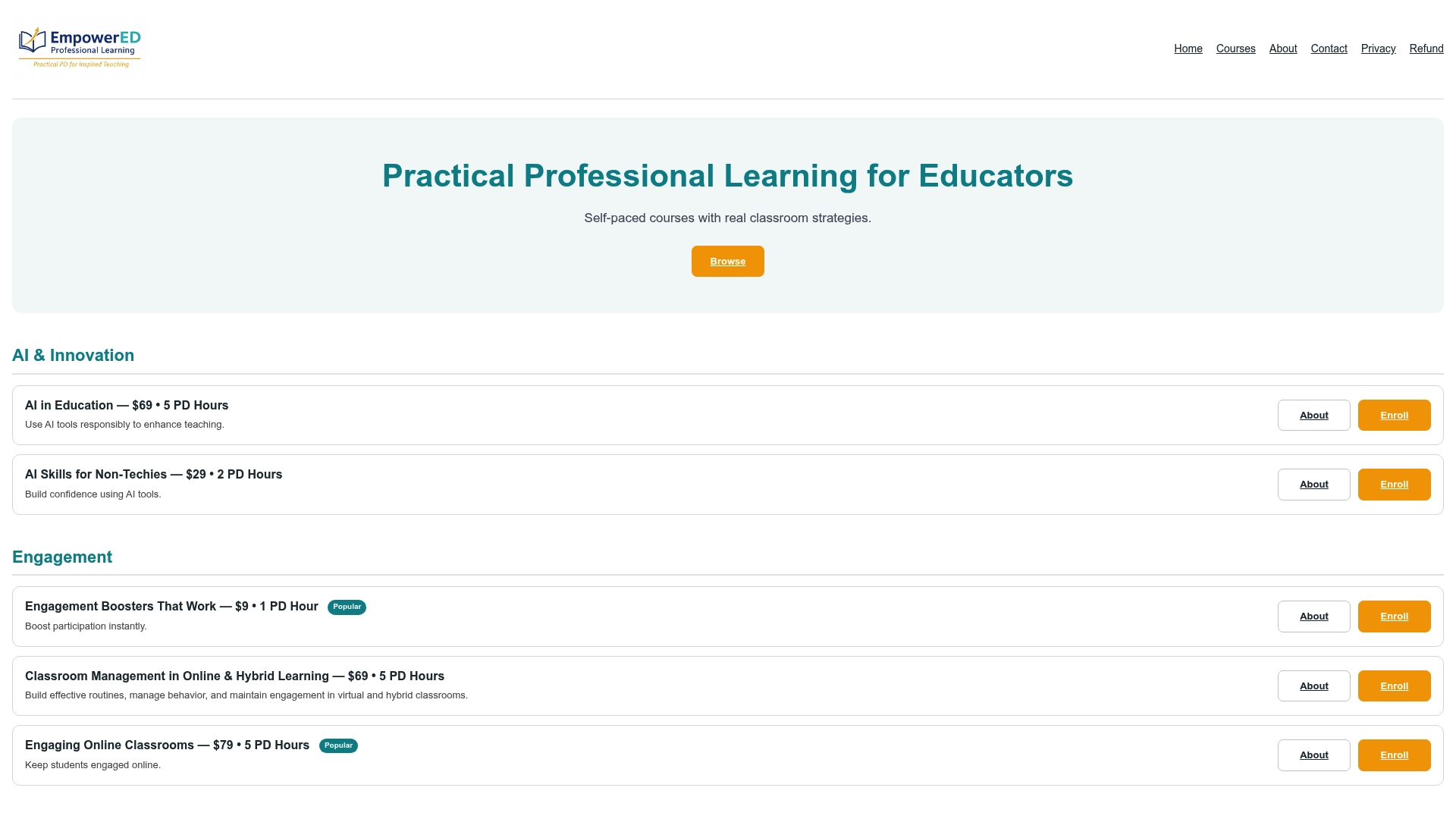
Empoweredpl offers targeted professional learning courses built specifically for K-12 educators who want to move from theory to practice in hybrid and blended instruction. The courses focus on real classroom application, including technology-enhanced engagement, assessment design for multiple modalities, and building routines that work for every student in the room and on the screen. Educators who complete Empoweredpl courses report immediate implementation results, not strategies they need to adapt for months before using. If you are ready to build the skills that make hybrid teaching work, explore the professional development courses at Empoweredpl and find the program that fits your classroom needs.
FAQ
What are hybrid learning routines and procedures?
Hybrid learning routines and procedures are the structured systems that govern how teachers manage simultaneous in-person and online instruction, including lesson flow, tool use, attendance protocols, and assessment design. They create predictability for students in both modalities and reduce logistical confusion for educators.
How long does it take to implement effective hybrid routines?
Blended learning implementation is best approached as a staged process over approximately one semester, beginning with a single pilot unit before scaling to full implementation. Starting small allows teachers to refine procedures based on real student feedback before committing to a full-year structure.
What tools are most effective for hybrid K-12 classrooms?
The most effective tool combination for hybrid K-12 classrooms includes an LMS like Google Classroom or Canvas, a video delivery platform like Edpuzzle, a live assessment tool like Kahoot or Formative, and a communication platform like Remind or ClassDojo. Keeping the stack to four categories reduces cognitive load for both teachers and students.
How do you keep remote students engaged during hybrid lessons?
Capping direct instruction at 20 minutes and adding frequent interaction points through quizzes, annotations, and collaborative tasks keeps remote students engaged during live sessions. Peer check-in protocols and structured asynchronous activities maintain engagement outside of synchronous time.
How do hybrid routines support students with diverse learning needs?
Applying HyFlex and UDL principles, including flexible participation options, captions, multiple content formats, and consistent assessment rubrics, ensures that learner choice and equivalency are built into every lesson rather than added as accommodations after the fact.